
Apps
Your raffle in your pocket, and on the big screen
One app to run your campaigns, on your phone at the fair as on the office computer. Each campaign tells you where it stands and what the next step is.
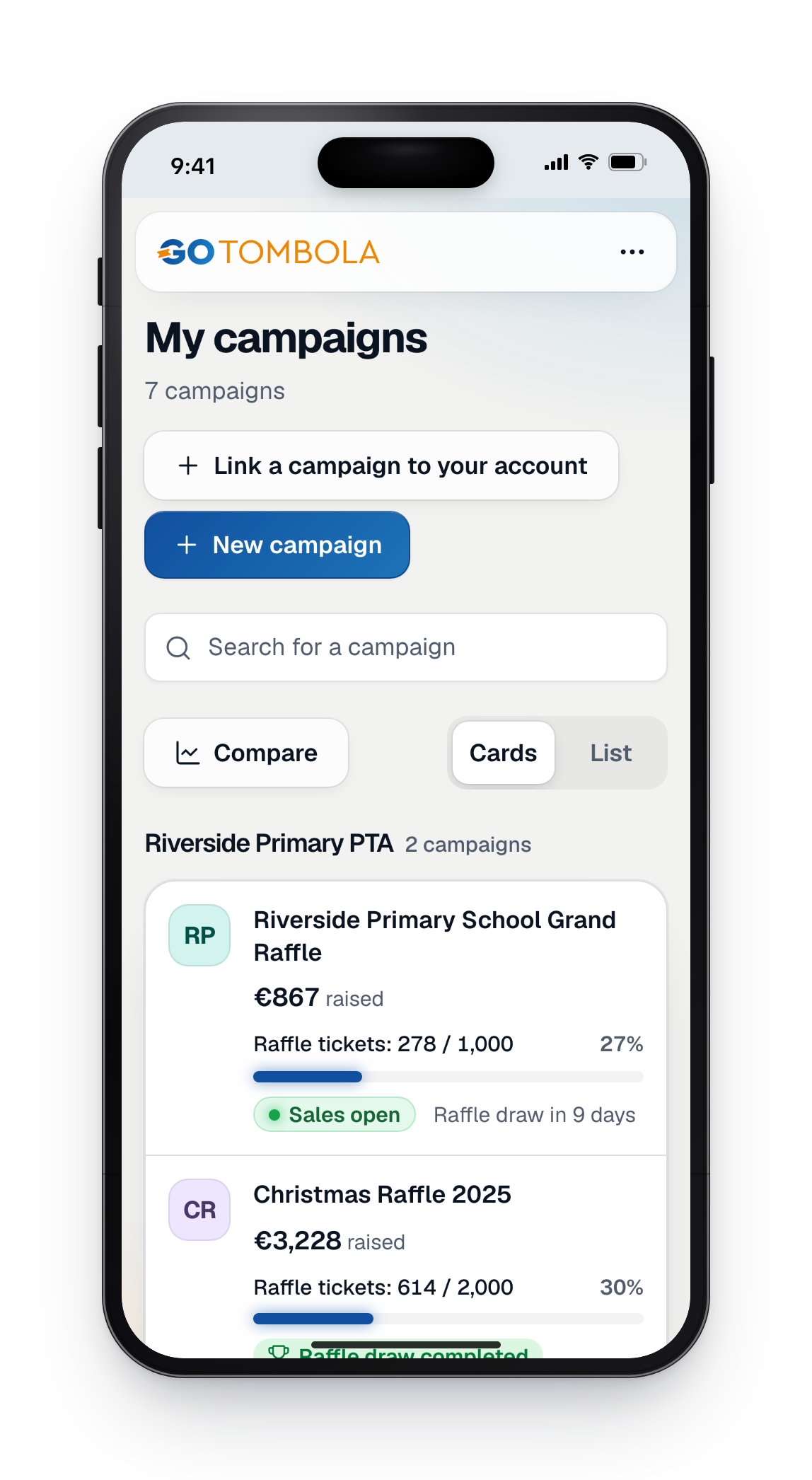
- Nothing to installIt opens in the browser and can be added to the home screen like an app.
- Always the next stepEach campaign's home page says where it stands and what is left to do.
- Read back before savingEvery important change is read back to you in plain words before it is saved.
Running a raffle is not a job
Most organisers are volunteers. They run the raffle in the evening, between two meetings, often from their phone, and they have no time to learn software. When you don't know what to do next, you write to support and wait, while the campaign does not wait.
The console was designed for them. It has the same screens on a phone and on a computer. Each campaign's home page shows the current phase, the next step and the countdown to the draw. And when a move matters, it reads back what will change before saving it.
What you used to ask support for is now a screen
These questions often came in by message. The console now answers them itself.
What you asked support“What do I do now? What is missing before I can launch?”
Now, in the console“To do” gathers what is left, step by step, with a button on every line.
What you asked support“Can we reuse last year's campaign?”
Now, in the console“Prepare the next edition” recreates your campaign in a few steps, with what you choose to keep.
What you asked support“Something is wrong on the day: how will I know?”
Now, in the consoleUrgent text message alerts warn you on your checked phone number.
The GoTombola apps
The console for you, and what is coming soon for your participants, your guests and your website.
The organisers' console
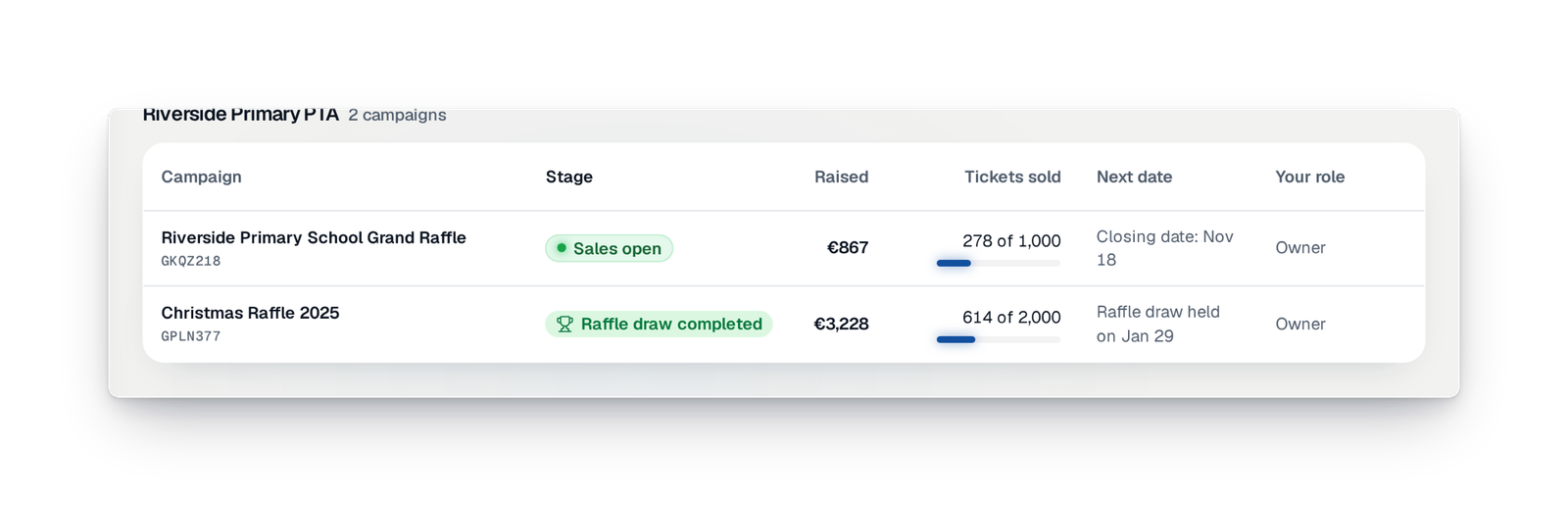
The app where you run your campaigns, on a phone as on a computer, and which can be added to your home screen. Each campaign has its home page, its next step and the countdown to the draw.
Help on every screen
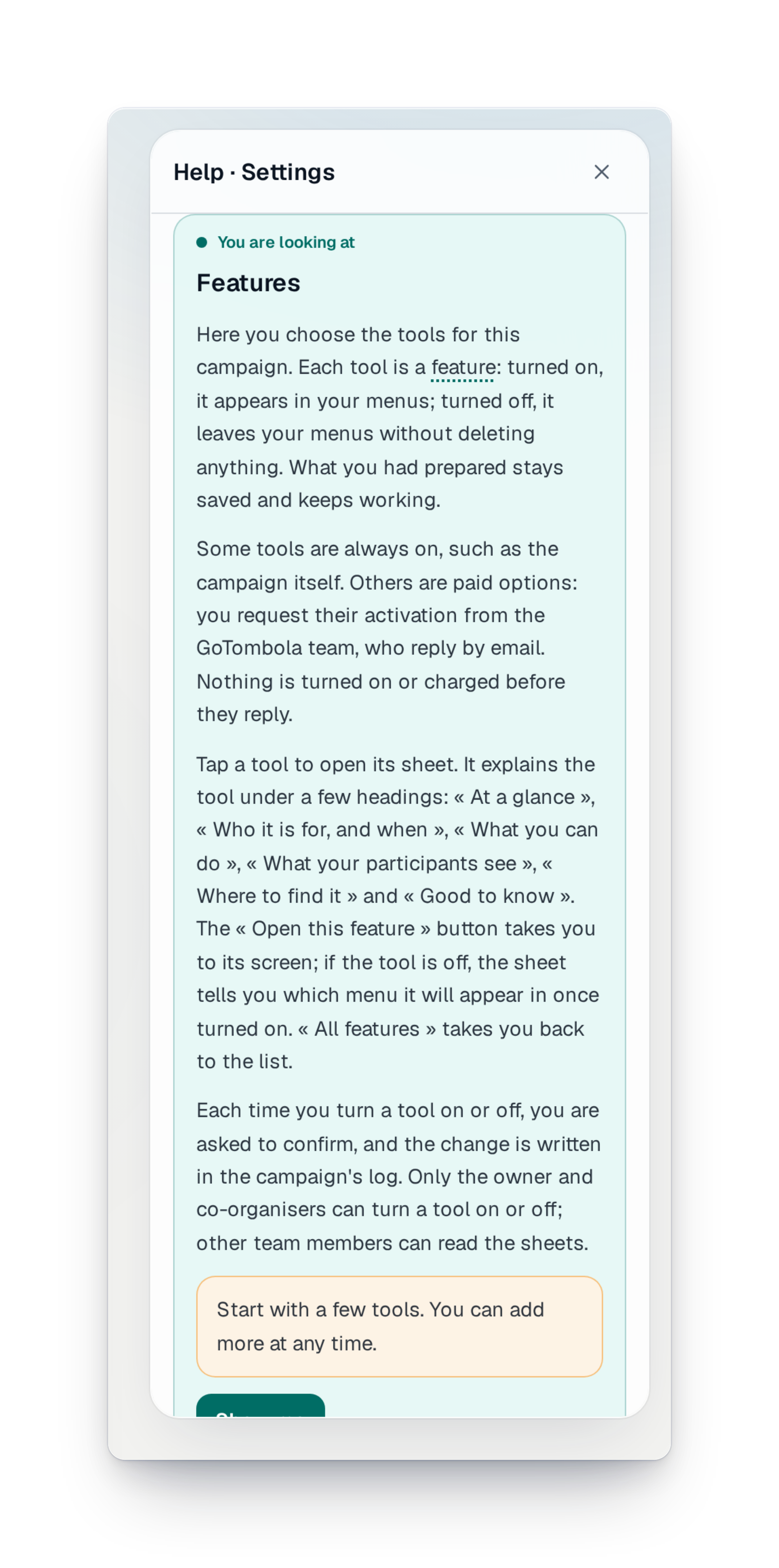
The words of the trade explain themselves when you point at them, and a button opens the screen's help beside the page, with "Show me".
The participants' space
Coming soonA page where the participant signs in with a code received by e-mail, with no password, to give their tickets to someone close.
The moments after buying
Coming soonRight after paying, the buyer sees their tickets appear one by one, and can scratch them when the campaign offers an instant win.
Documents for your guests
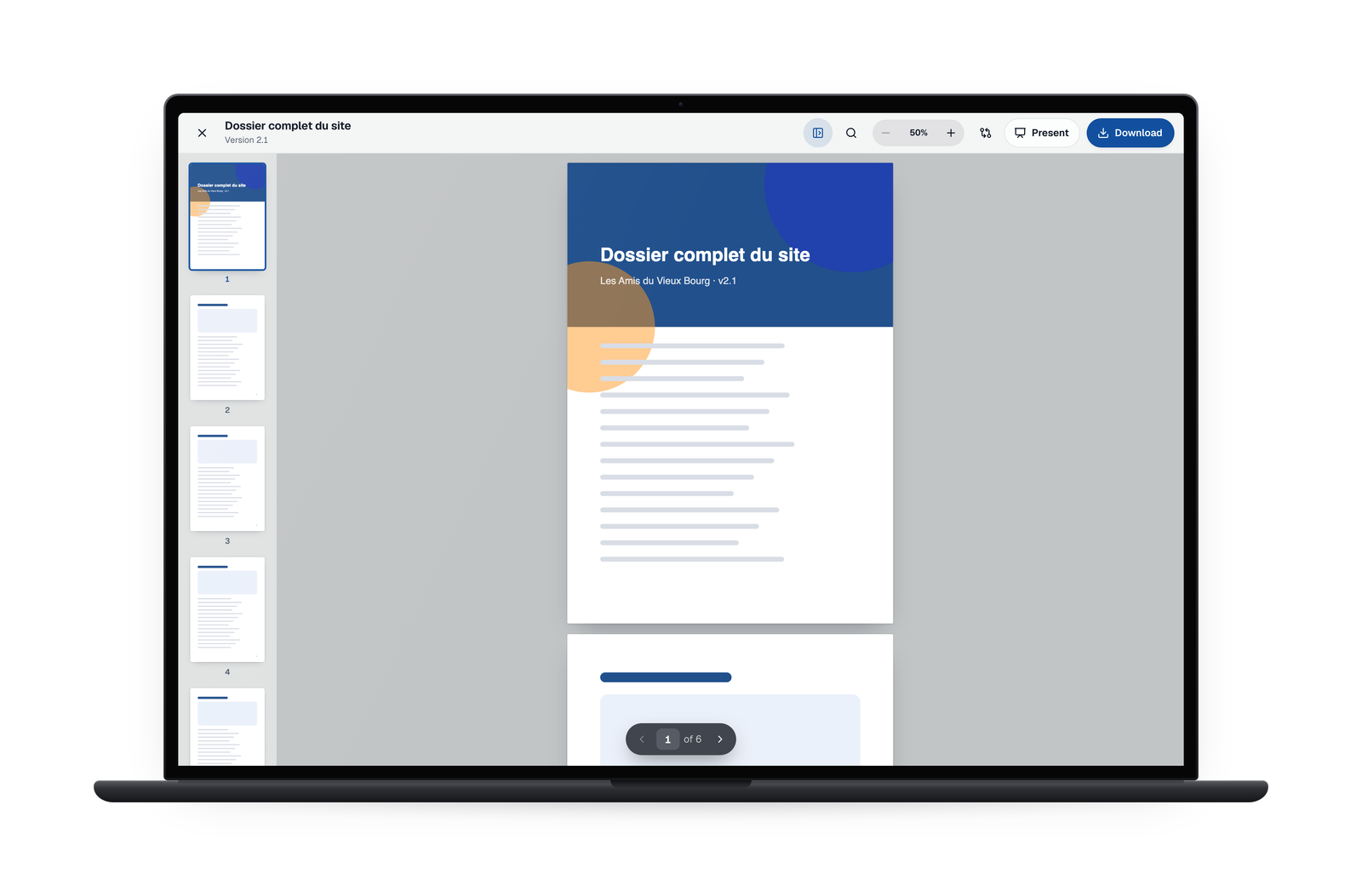
A space where the people you invite, such as a supplier or a partner, read the campaign's documents without entering your console.
Buying on your own website
Coming soonA small piece of code placed on your club's or school's website opens ticket buying right there, in the site's colours.
What's new in the apps
What arrived recently, and what is coming soon.
Your questions about the apps
No. The console opens in your phone's or computer's browser. If you like, you add it to your phone's home screen, like an app.
Yes. The screens are the same on a phone, with a tab bar at the bottom, and on a computer, with a menu on the side. You can start on one and finish on the other.
You choose your console's language in "More › Display". Amounts, dates and times are then written the way your language writes them. A screen not yet translated stays in French.
No. They buy their tickets on your campaign's page, from any phone or computer, with no account to create.
Each campaign's home page shows the next step, and "To do" lists everything that is left, with a button on every line.
Your raffle, wherever you are
Create your campaign and run it from your phone as from your computer.