
Schools and clubs
Every seller has their own page and QR code
Pupils, players, volunteers: add your sellers and their groups, and give each one their link and QR code. Their sales are credited to them, and you see what each one brought in.
- One single drawOnline tickets and paper ticket books play together, with nothing typed twice.
- Every seller countsSales are credited to the pupil, player or volunteer who made them.
- You see everythingBooks handed out, sold, paid: the state of every book, class by class.
Know who sold what, with no sheet going round
In a club or a school, sellers make a raffle a success: the team's players, the pupils of each class, the committee's volunteers. But who sold what? A sheet goes round, names get copied, someone is forgotten, and the ranking is done from memory.
Here, every seller has their own record, link and QR code. When someone close buys through that link, the sale goes to them. For every seller and every group, you see what was collected, without counting anything by hand.
Three steps, from the list to the results
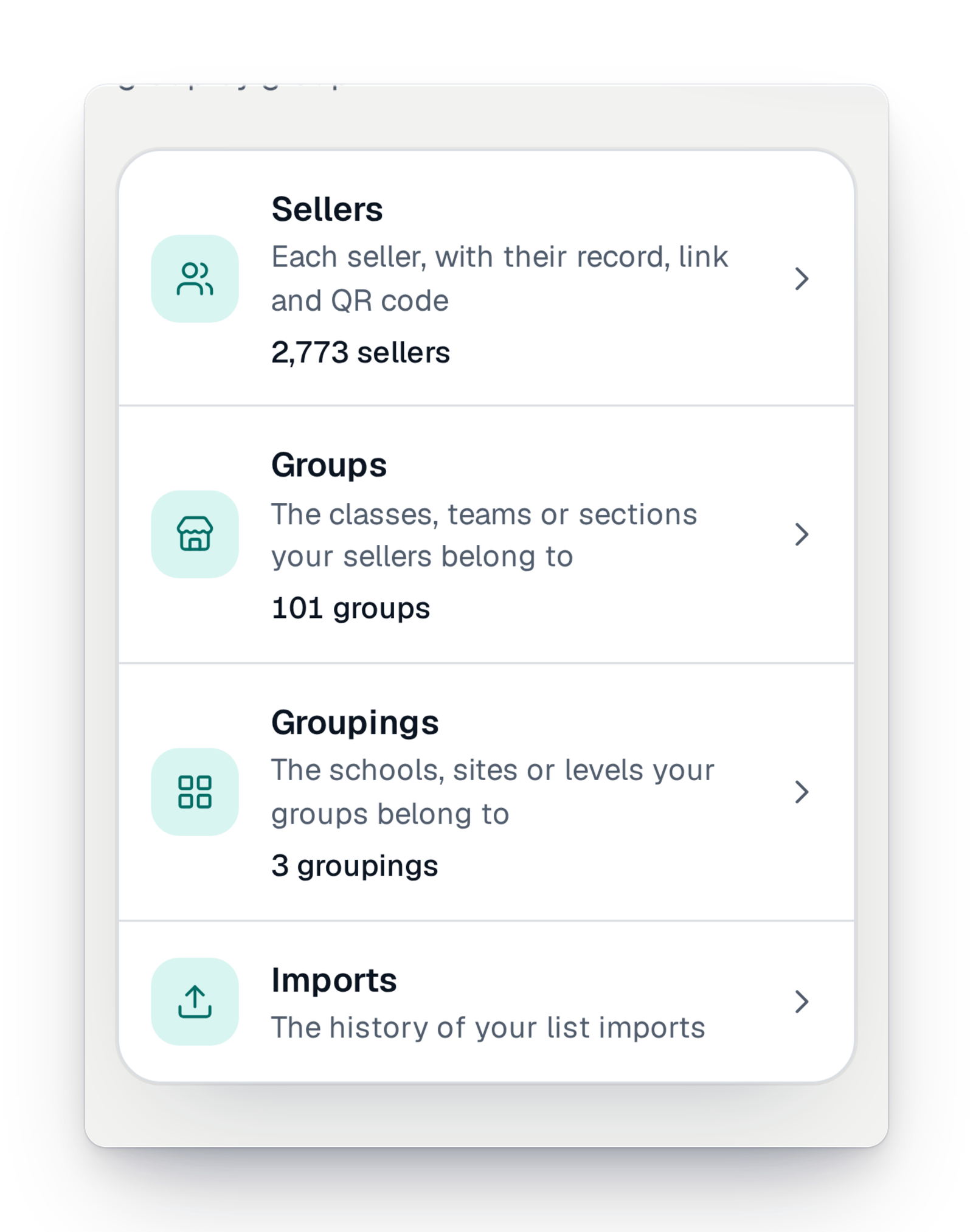
Everything is in the "Sellers" part of your management interface.
Step 1
Add your sellers and their groups
Enter your sellers one by one or import your list from a spreadsheet. Sort them into groups (a class, a team, a section), and the groups into larger groupings (a school, a site, a year). The history of your imports stays available.
Step 2
Give each one their link
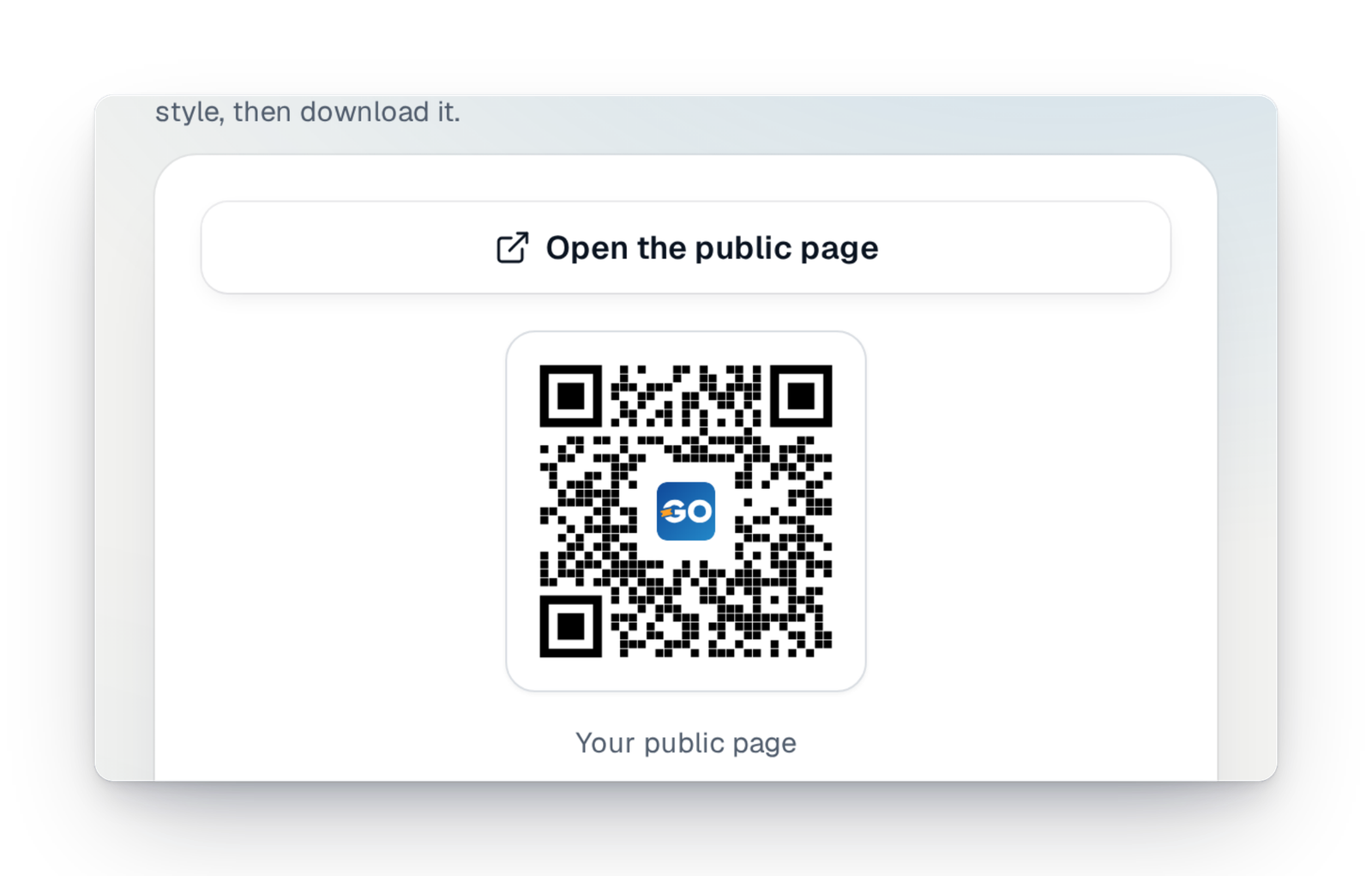
A seller's record carries the link to their page and their QR code, to print or to send. They share it with family, neighbours and teammates: everyone buys online in a few taps.
Step 3
Follow what each one brings in
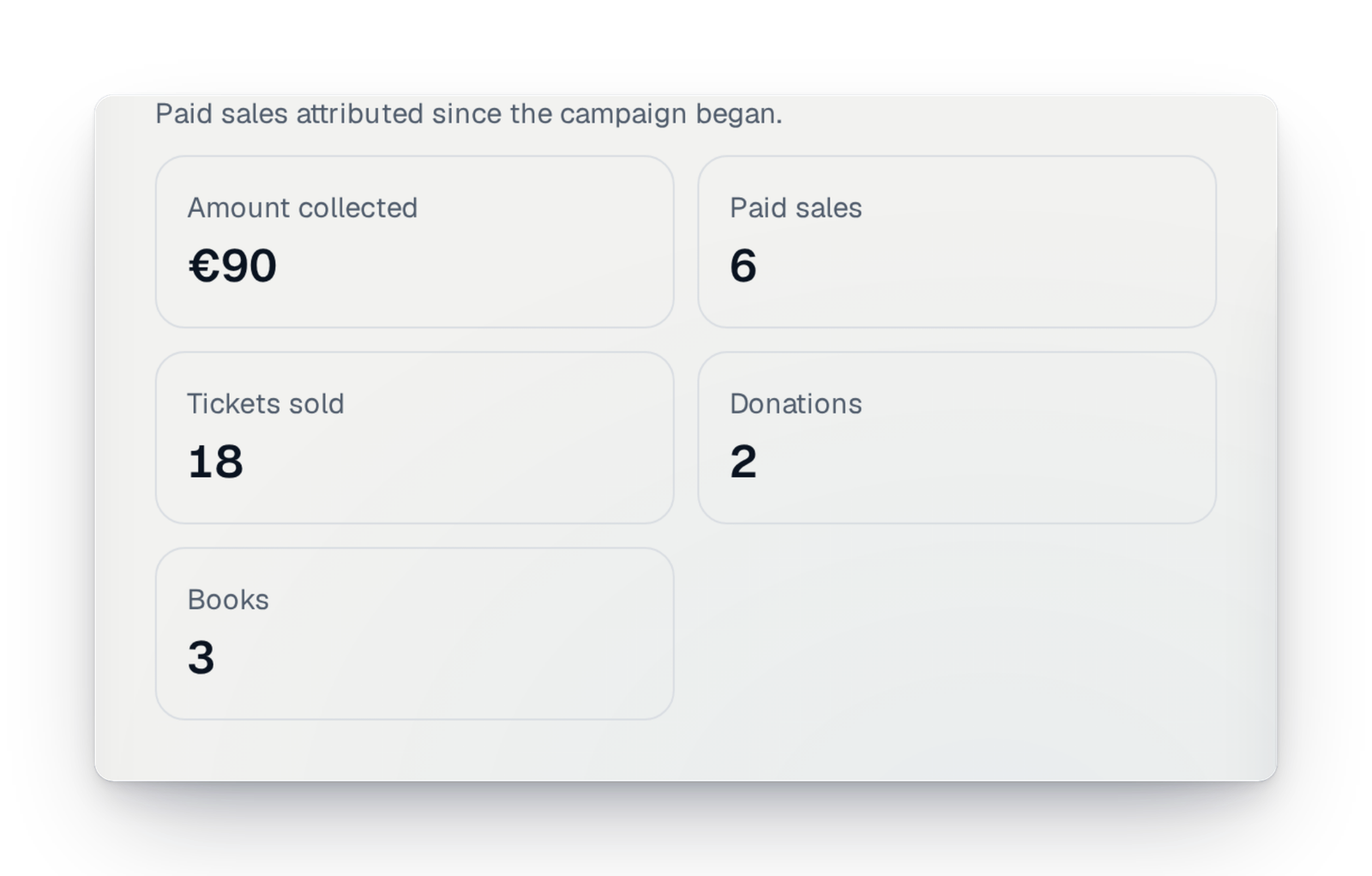
On the record of every seller and every group, you read the amount collected, the paid sales, the tickets sold and the donations. You know whom to congratulate, and which group needs a little push.
Good to know
- A feature of your campaign, to switch on in "Settings › Features"; it is part of some offers.
- Available in every country.
- A seller needs no account: their record, link and QR code are enough.
- Sales made through a seller's link or QR code are credited to them.
- Sellers work together with connected ticket books: a class's books are followed with its sellers.
Your questions
No. You create their record; they only have to share their link or QR code.
Yes. You import your sellers, groups and groupings from a spreadsheet, and you can look back at every import.
Yes. Sellers are sorted into groups, and groups into larger groupings. Each level has its own record and figures.
However they like: by message, by e-mail or by printing their QR code on a small poster. The link opens your campaign's purchase page directly.
Your sellers, each with their own link
Create your campaign, add your sellers, and let each one share their page.