
Communicate
Your raffle, in everyone's language
Add a language to your campaign in a few moves. Your page's texts are translated and put online straight away, you read them over and correct them whenever you like, and your visitors pick their language at the top of the page.
- You see it before it goesEvery e-mail and every text of the page shows exactly as your participants will get it.
- Nothing leaves without youYou switch off the e-mails you don't need and publish when you are ready.
- In their languageAdd a language to your campaign, then read it and correct it whenever you like.
Part of your public doesn't read your language
A bilingual school, a club near a border, a charity that reaches families from elsewhere, a raffle in Belgium, Switzerland, Ireland or Canada: your public does not always speak one language. Until now you had to choose. Either the page stayed in your language and some people missed out, or you had the texts translated and asked support to put them online.
Now it is a setting of your campaign. You choose the language to add, the platform translates your texts and puts them online. You stay in control: you read each text next to the original, you correct what you don't like, and you remove a language in one move if you no longer want it.
Three steps, from your text to their language
Everything happens in "Settings › Languages".
Step 1
Add a language
The console first suggests the usual languages of your campaign's country, then all the others, each written in its own language. It tells you how many texts will be translated, then you press "Translate and put online". A few moments later, the language is online.
Step 2
Read over and correct whenever you like
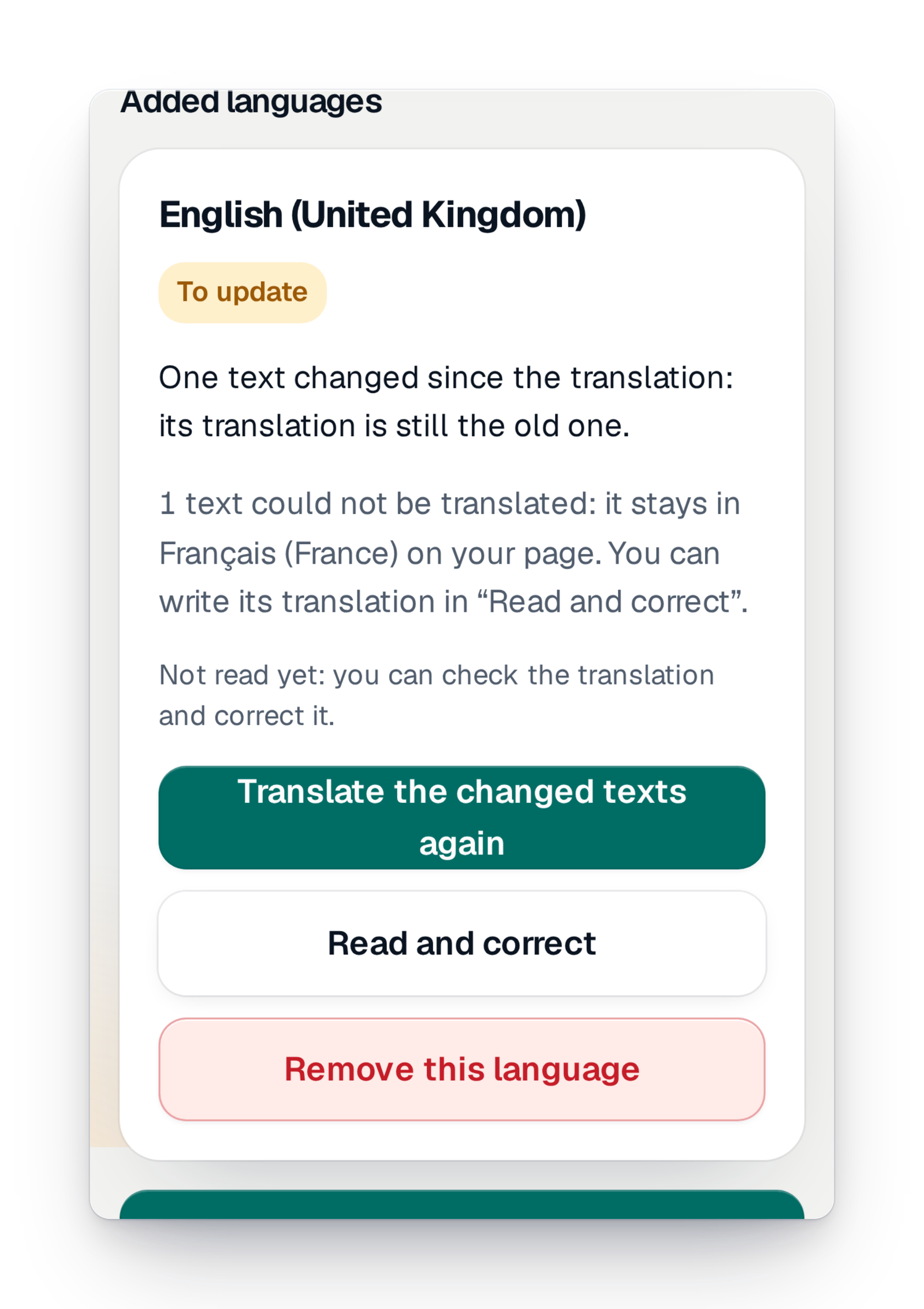
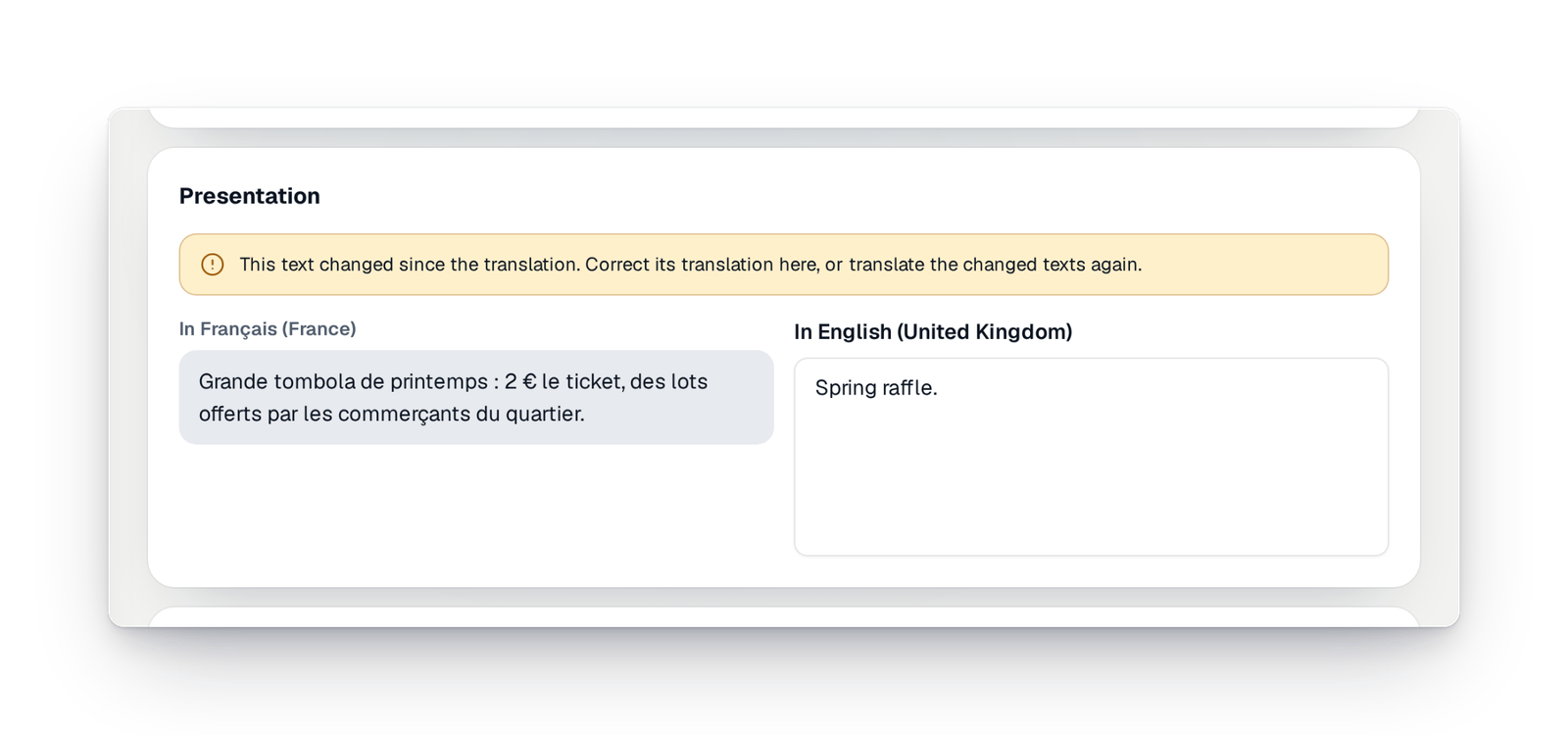
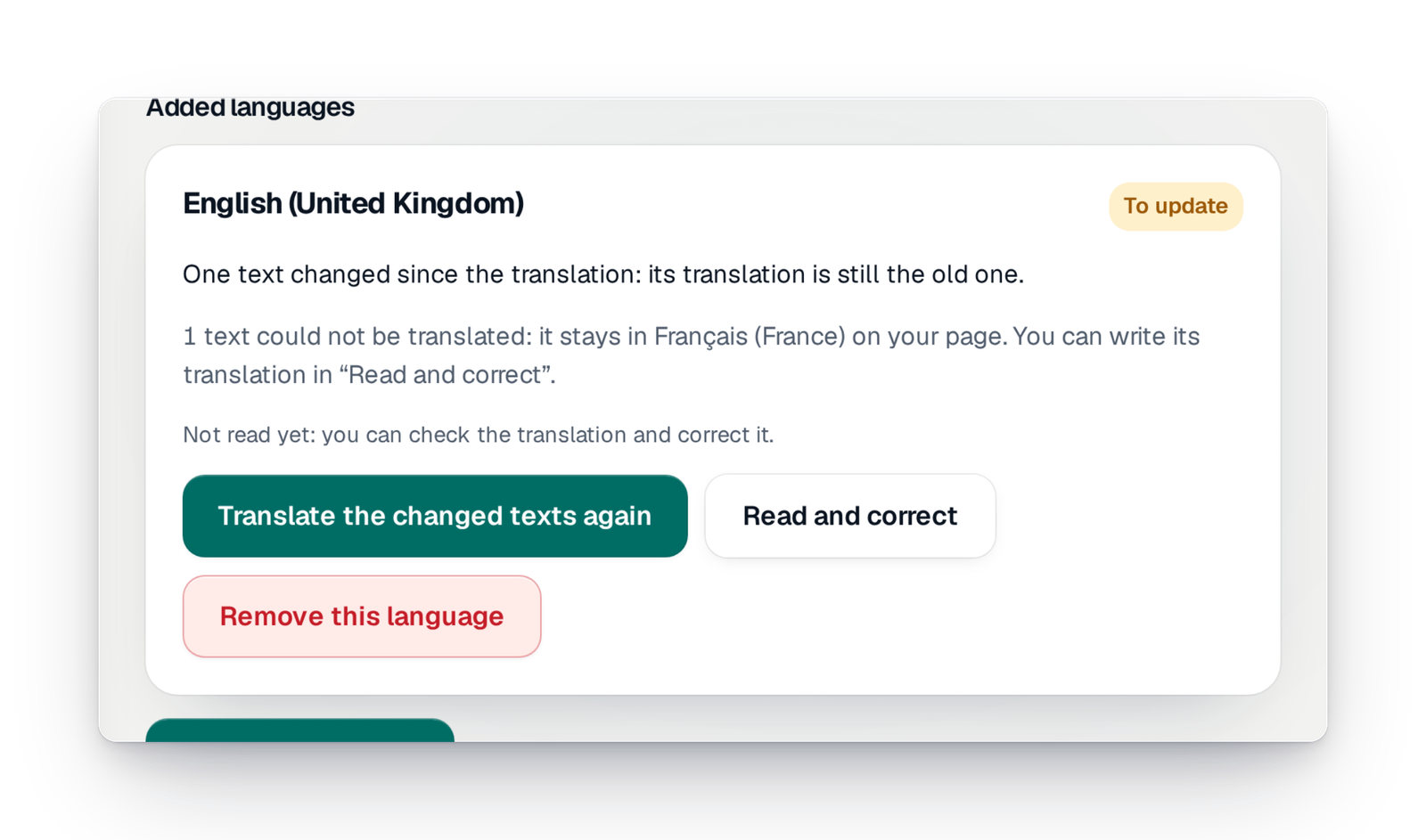
"Read over and correct" shows each text of your campaign next to its translation, in full. You correct only what needs it, or you mark that you have read everything. If you later change a text in your own language, the console tells you the translation needs updating and offers to translate again only the texts you changed.
Step 3
Your visitors pick their language
On your campaign's page, a button at the top lets people change language, with the flag and the name of each language written in that language. When a visitor's browser is set to a language you offer, the page opens straight in it. On "Share", you find one link per language.
Good to know
- Available in every country, whatever your offer. You add languages yourself, without asking anyone.
- You can add several languages to the same campaign.
- The translation is automatic and goes online at once. You can read it over at any time: we advise having your texts read by someone who speaks the language.
- What is translated: the texts you wrote for your campaign, such as its name, its presentation, the practical details or the purchase messages. The page's buttons and steps already exist in many languages.
- Prizes keep, for now, the name and description you wrote in your language.
- Adding or removing a language is reserved for people who can edit the campaign.
Your questions
Yes, it goes online at once, so that your page is useful without waiting. You read it over and correct it whenever you like, in "Read over and correct".
The console tells you: the language shows "Needs updating". A button translates again only the texts you changed, without touching your corrections to the others.
No. If their browser is set to a language you offer, the page opens in that language. Otherwise they pick it once at the top of the page, and their choice is remembered.
Yes. "Remove this language" first tells you what will happen, then the language disappears from your page. Your original text does not change.
Not yet. Prizes keep, for now, the name and description you wrote in your language.
Speak to your whole public, with no go-between
Create your campaign, write it in your language, then add your public's languages in a few moves.