
Payments
Your payment account, connected by you
Open your organisation's Stripe account in the country of your choice, finish its verification or reconnect it, then switch it on for your campaign. It all happens in the console, when you need it.
- Your money, your accountPayments go to your organisation's payment account, not to ours.
- Your country's ways to payCard and local payment methods, depending on the account you connect.
- Nothing hiddenEach account shows its state, and a campaign with no payment method is flagged.
No more writing in to reconnect an account
A payment account to connect, a verification left half done, an account to reconnect after a new treasurer took over: until now, these steps often went through a message to support, then waiting for the answer, sometimes the day before sales opened.
Now, your organisation's account is connected from the console. You see its state, you follow the link to finish what the payment service asks for, and you come back to the console, which tells you whether everything is ready. Nobody has to do it for you.
Three steps, with no go-between
From “Payments › Your payment accounts”.
Step 1
Start from your payment accounts
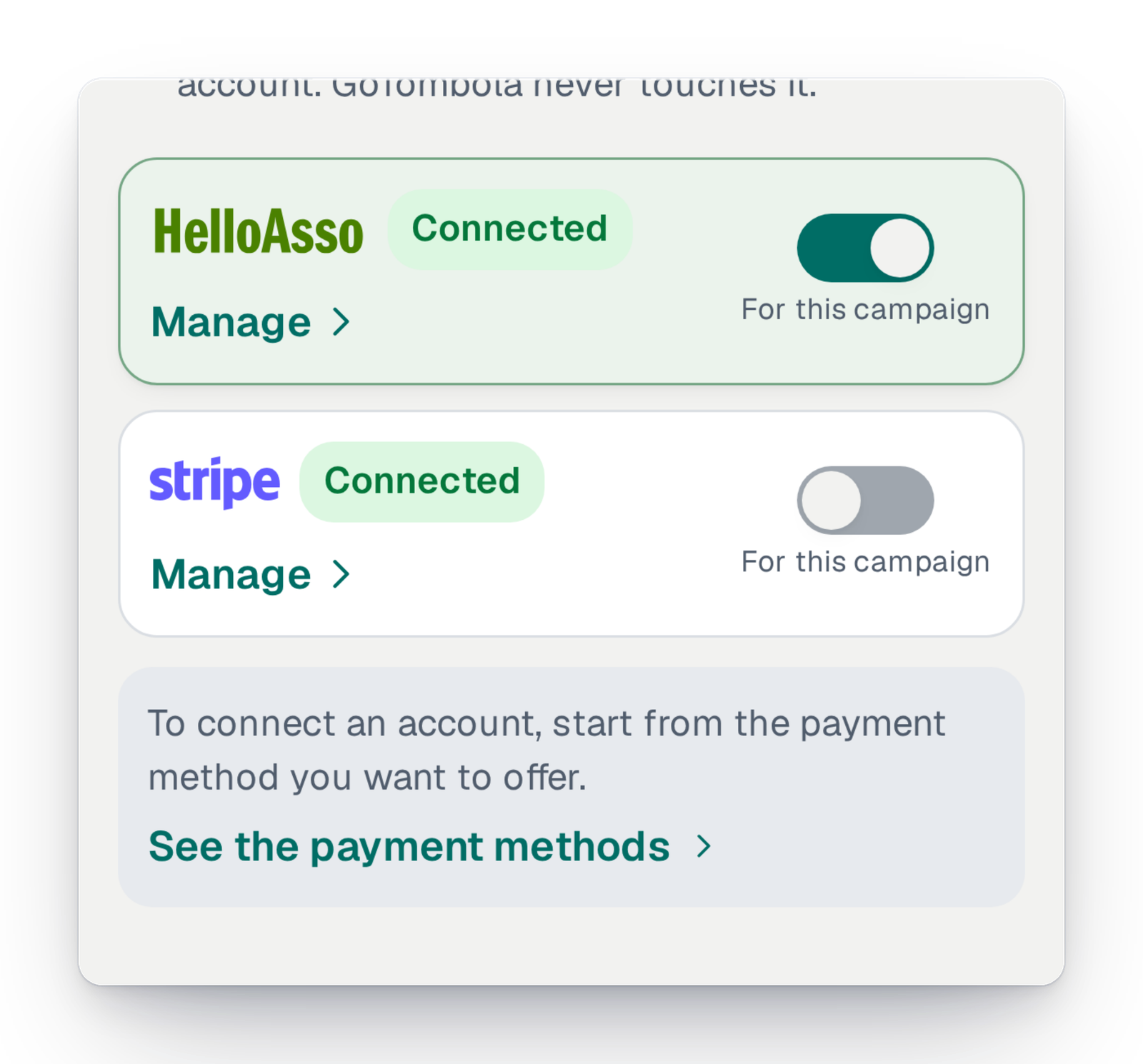
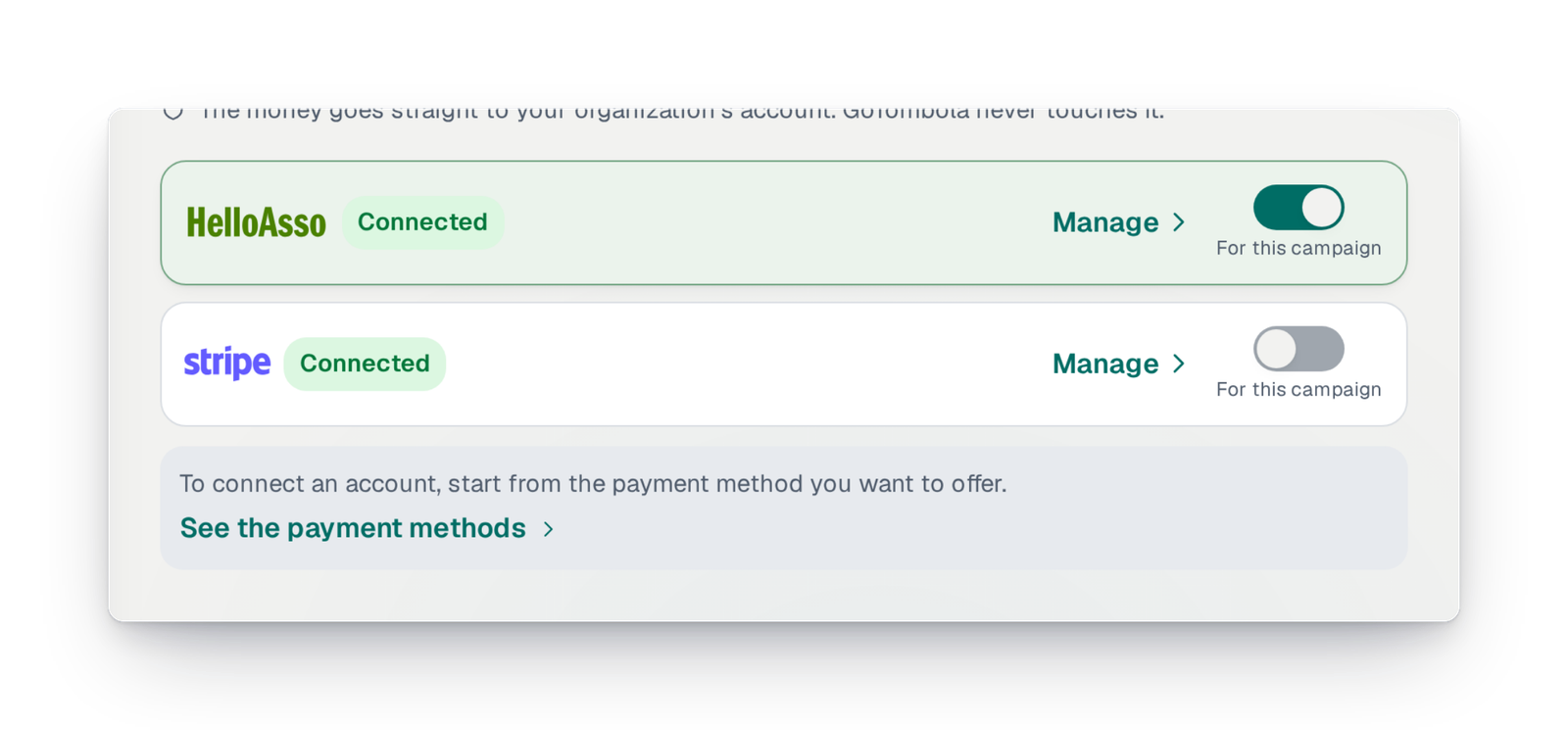
The console lists your organisation's accounts with their state. To add one, you start from the payment method you want to offer: the console takes you to the right account, in your organisation's country.
Step 2
Open or reconnect the Stripe account
You open your organisation's Stripe account, or reconnect the one you already have. Stripe asks you to verify your identity with them; if the verification is left to finish, the console reminds you and sends you back.
Step 3
Switch it on for your campaign
Once the account is connected, a switch turns it on for the campaign. Your participants can pay, and the money is paid directly into your organisation's account.
Good to know
- Available for every campaign. The account is your organisation's: it belongs to you and the money is paid to you directly.
- Who can connect an account: the campaign's owner, the co-organiser, the treasurer or the beneficiary.
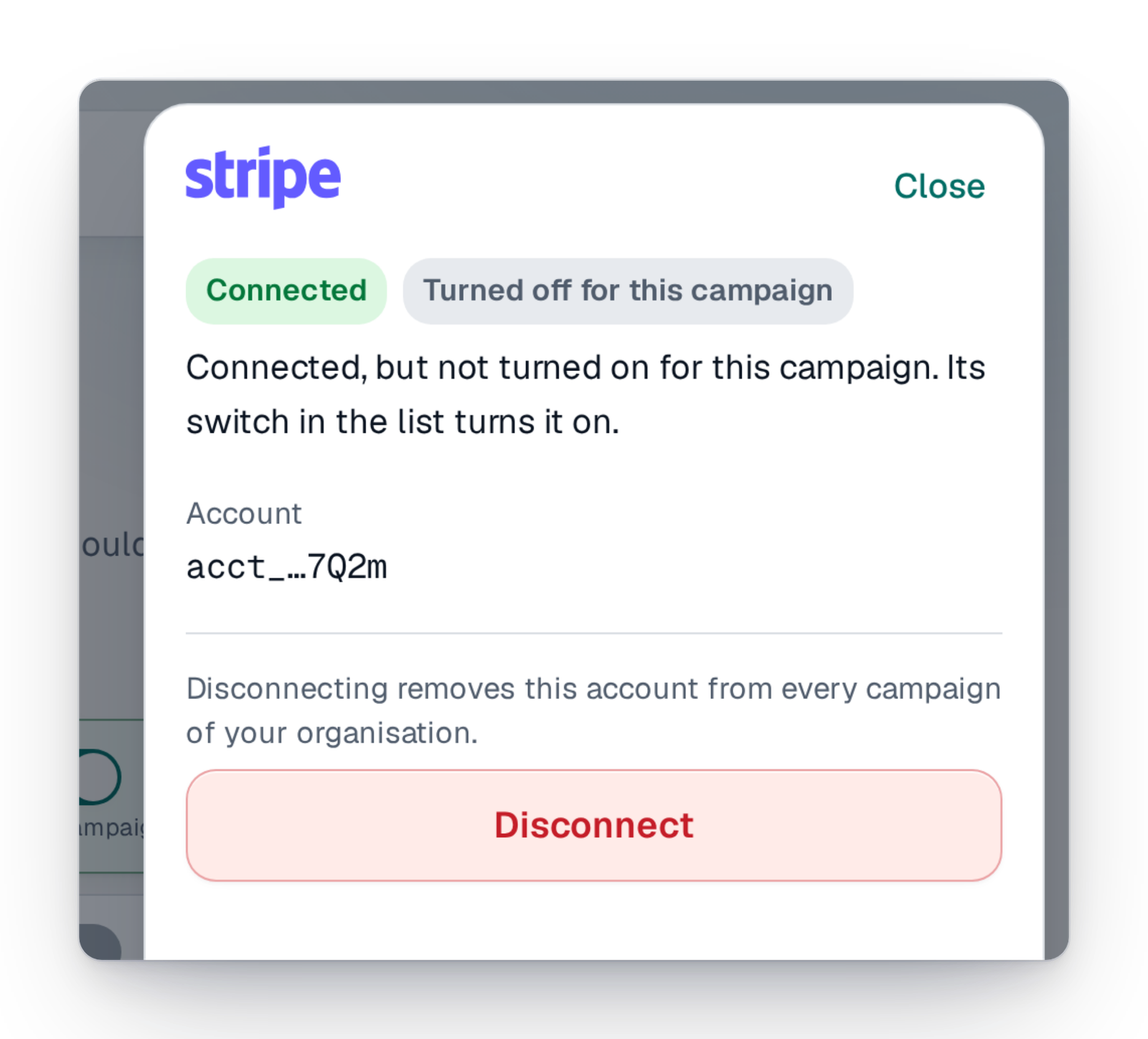
- Disconnecting an account removes it from all your organisation's campaigns; switching it off for one campaign does not disconnect it.
- Identity verification happens with Stripe: GoTombola does not see your documents.
Your questions
The campaign's owner, the co-organiser, the treasurer or the beneficiary. The other team members see the account's state without being able to change it.
No. You reconnect it from the console and switch it on for your campaign.
The console shows “verification to finish” and sends you back to Stripe, to the place where it is waiting for your details. Once done, the state updates.
The console tells you what is blocking, in plain words. If you still need help, our support can look at your campaign with your consent; it never connects an account in your place.
Connect your account, open your sales
Create your campaign; the payment account is connected from the console, on the day you are ready.