
Community associations
Fund your project, without becoming an expert
One specific project, donated prizes, busy volunteers: the interface tells you what is left to do, the money goes to your account, and the draw takes one click.
- Legal and provableNo paid campaign starts without its permit file, and anyone can check the draw.
- Your money, a clear priceTicket money goes to your own account; you pay per campaign, with no subscription.
- Online and in the roomPaper ticket books, online sales and an evening on the big screen, in one draw, guided step by step.
What matters for an association
From the sales page to the draw, the tools that give you your evenings back.
- Sell tickets
The online sale page
Your participants pick their tickets on your campaign page, add a donation if they wish and pay in a few taps.
- Get paid
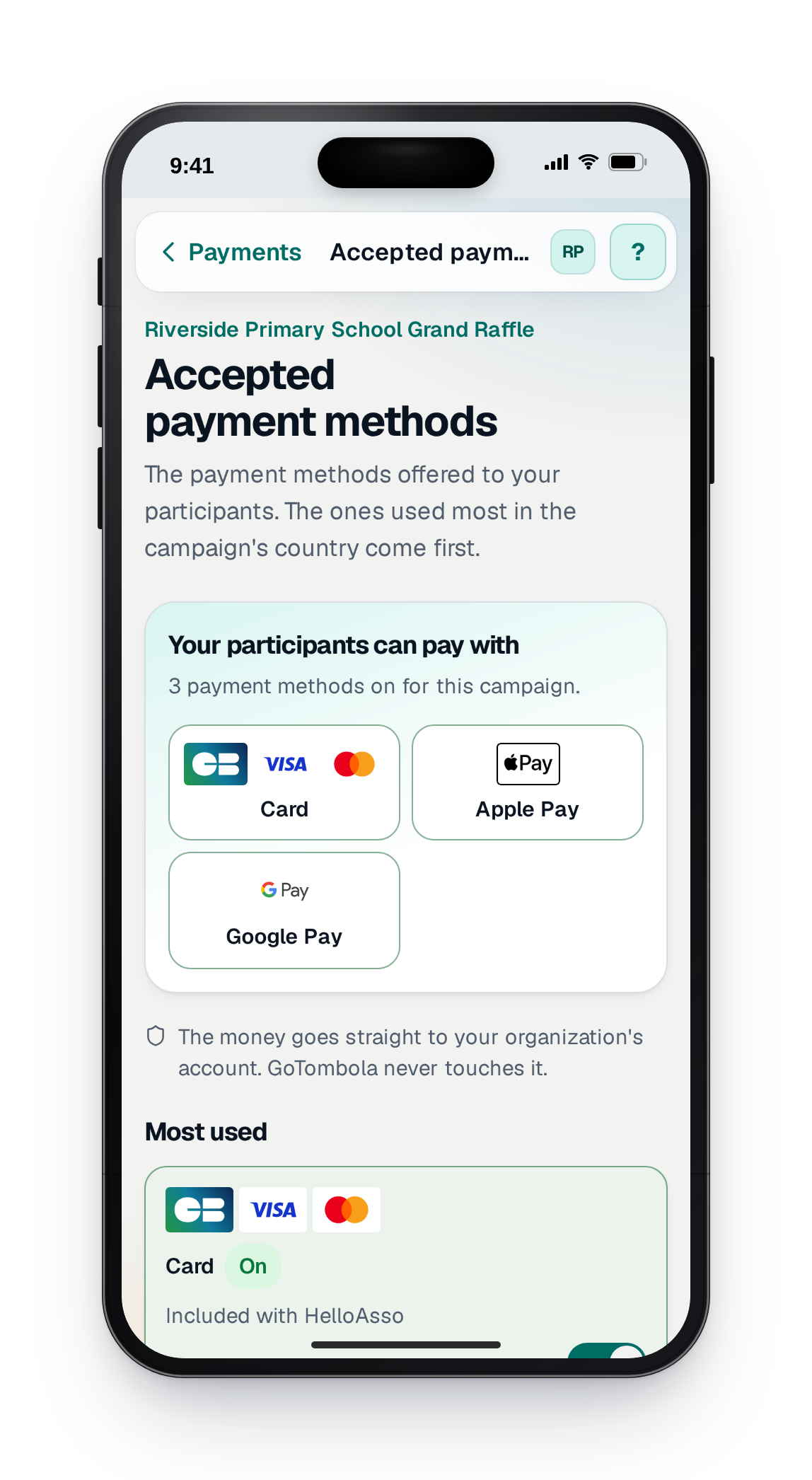
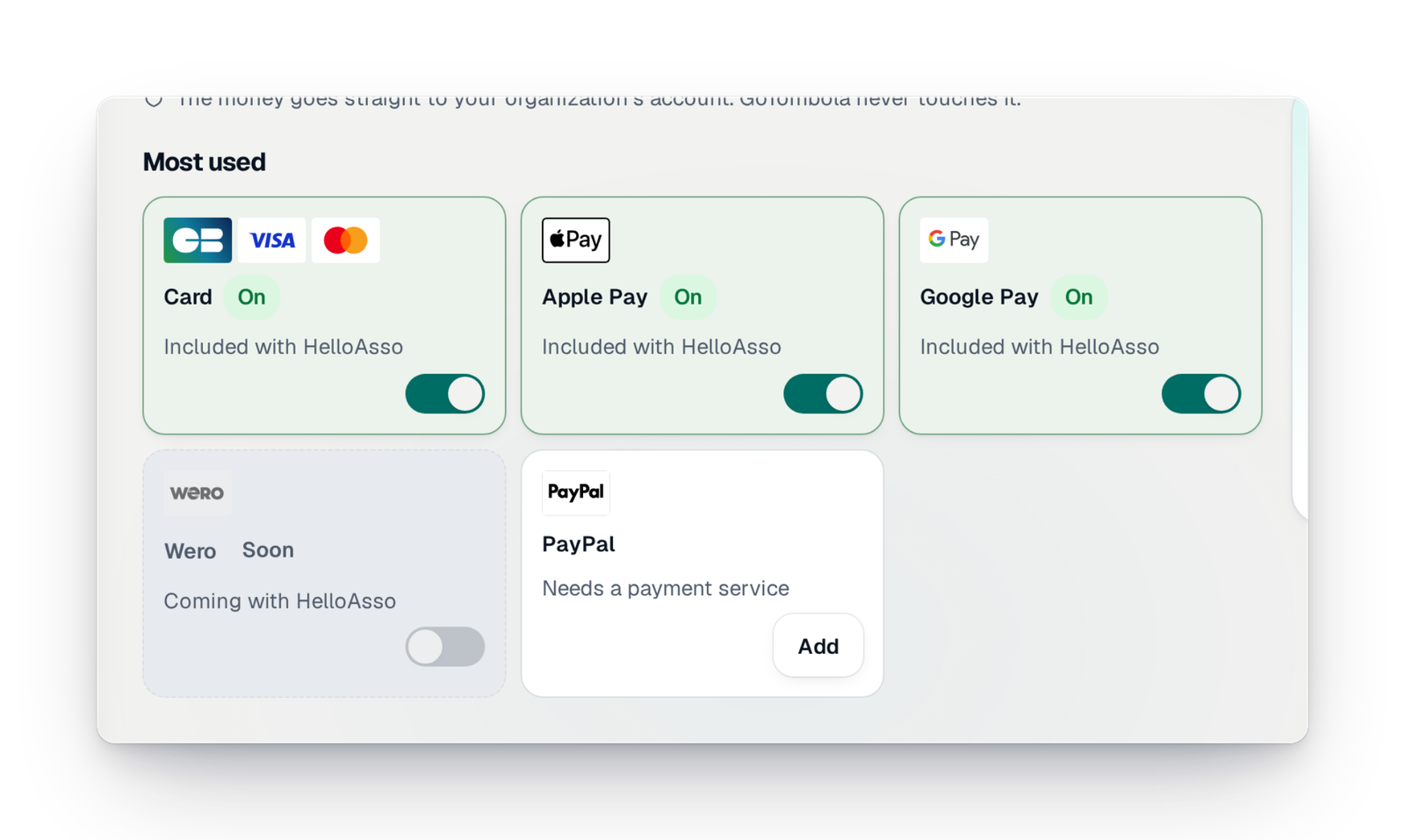
Your participants' payment methods
Card, Apple Pay, Google Pay and your country's methods: you see what your participants can use, and you switch it on for the campaign.
- Organise your raffle
The permit before launch
You upload the document signed by the authority; it is kept, dated, then checked by our team. A paid campaign does not open without it.
- Organise your raffle
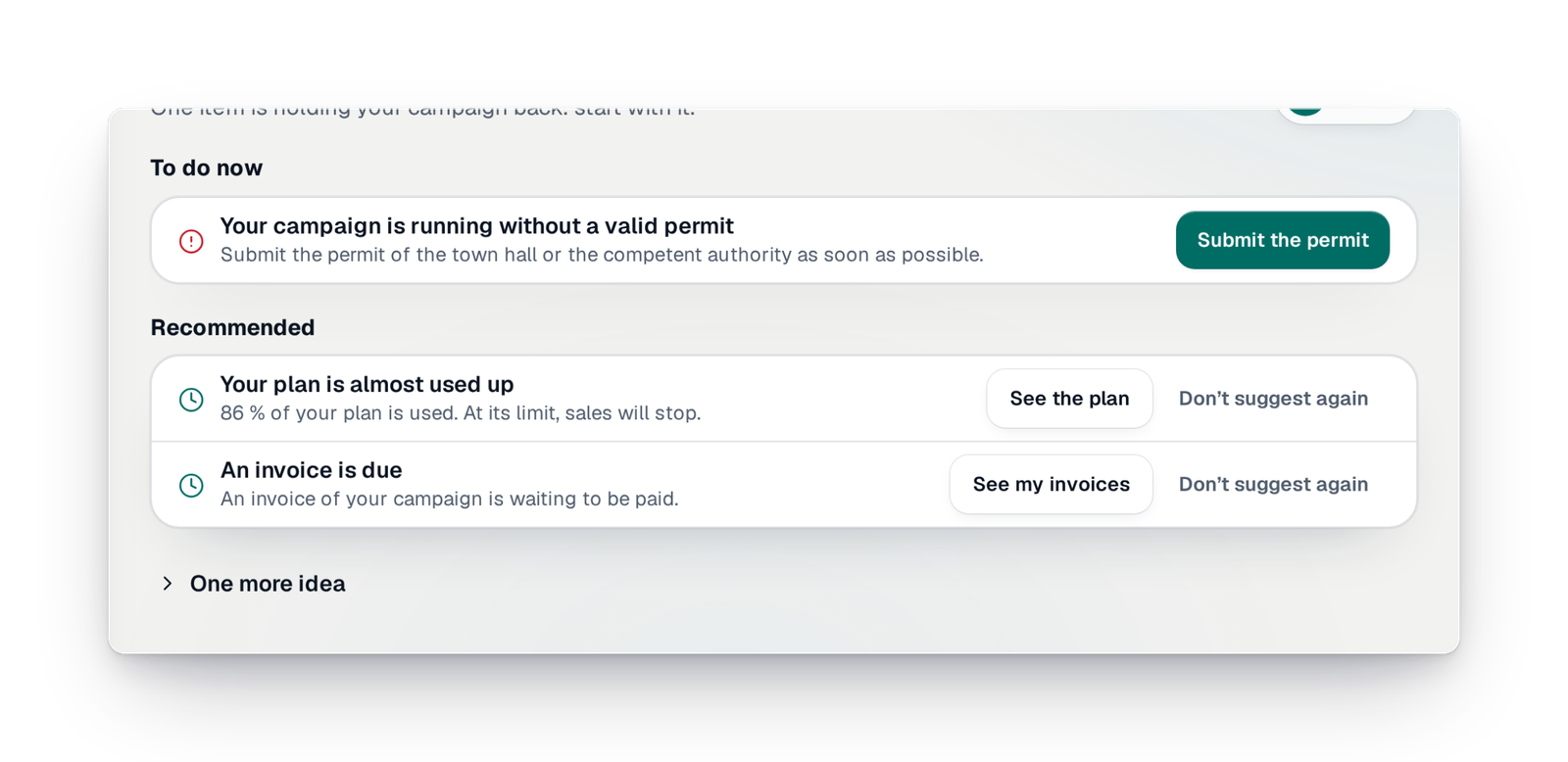
“To do”, your checklist
Everything left to do, phase by phase, with one button per line: you know what blocks your launch and what to do next.
- Sell tickets
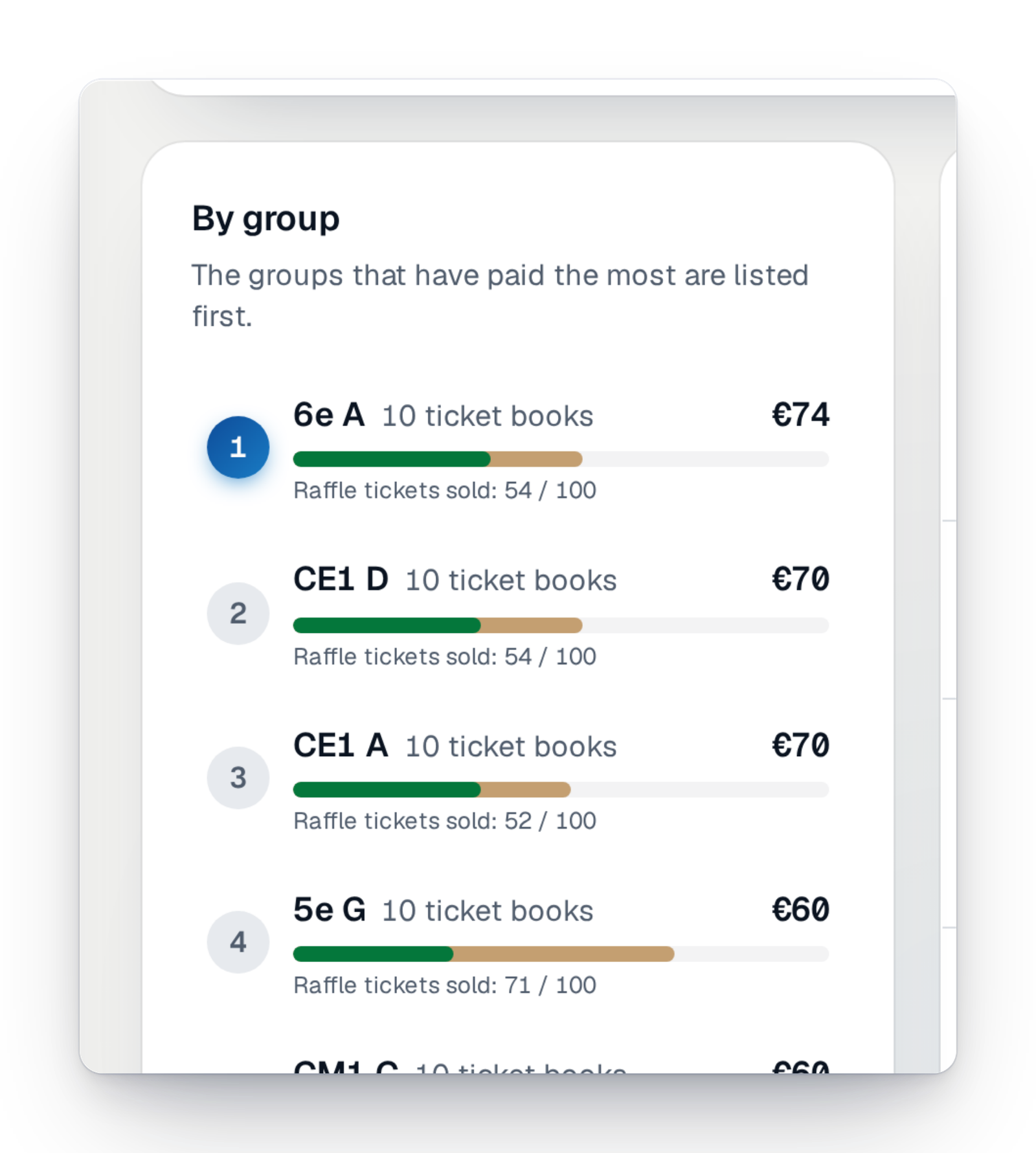
Connected ticket books
Create your paper ticket books, print each one's QR code and follow, class by class, the books handed out, sold and paid.
- Sell tickets
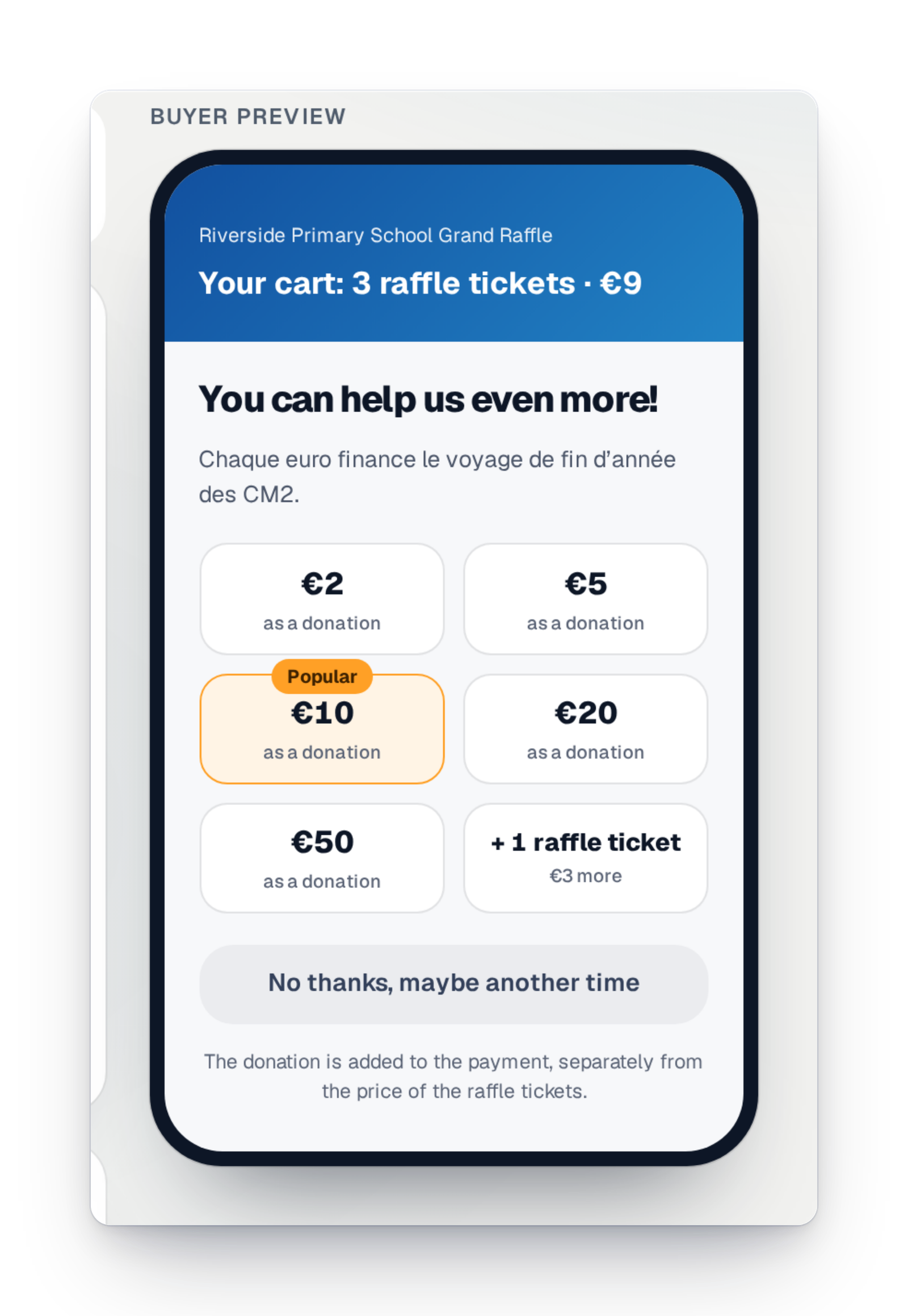
The add-on donation
Just before paying, your participants can add a donation. You choose the amounts on offer.
- Certified draw
Run the draw yourself
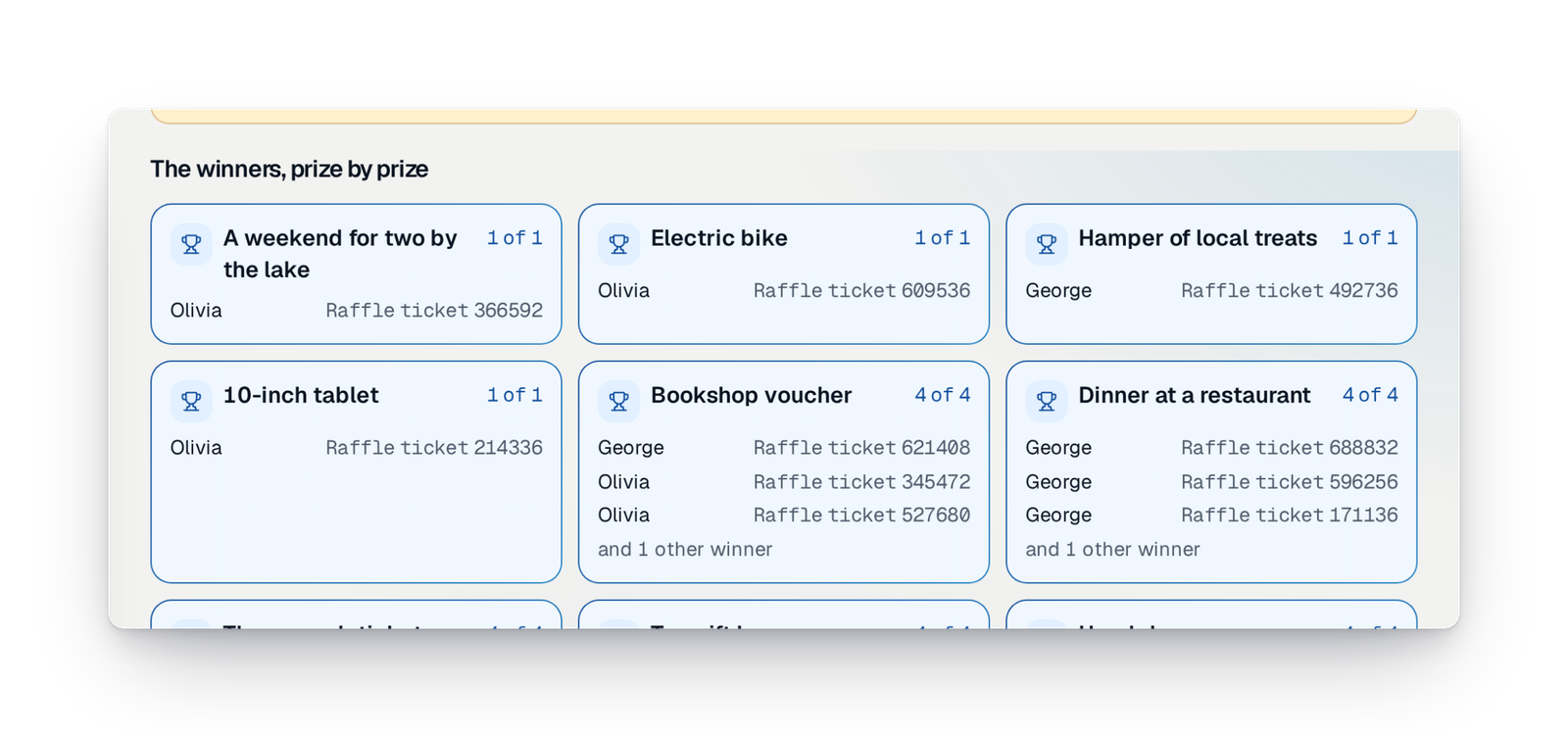
Checks, closing sales, a final review, then the draw prize by prize before your eyes. No waiting for anyone.
- Certified draw
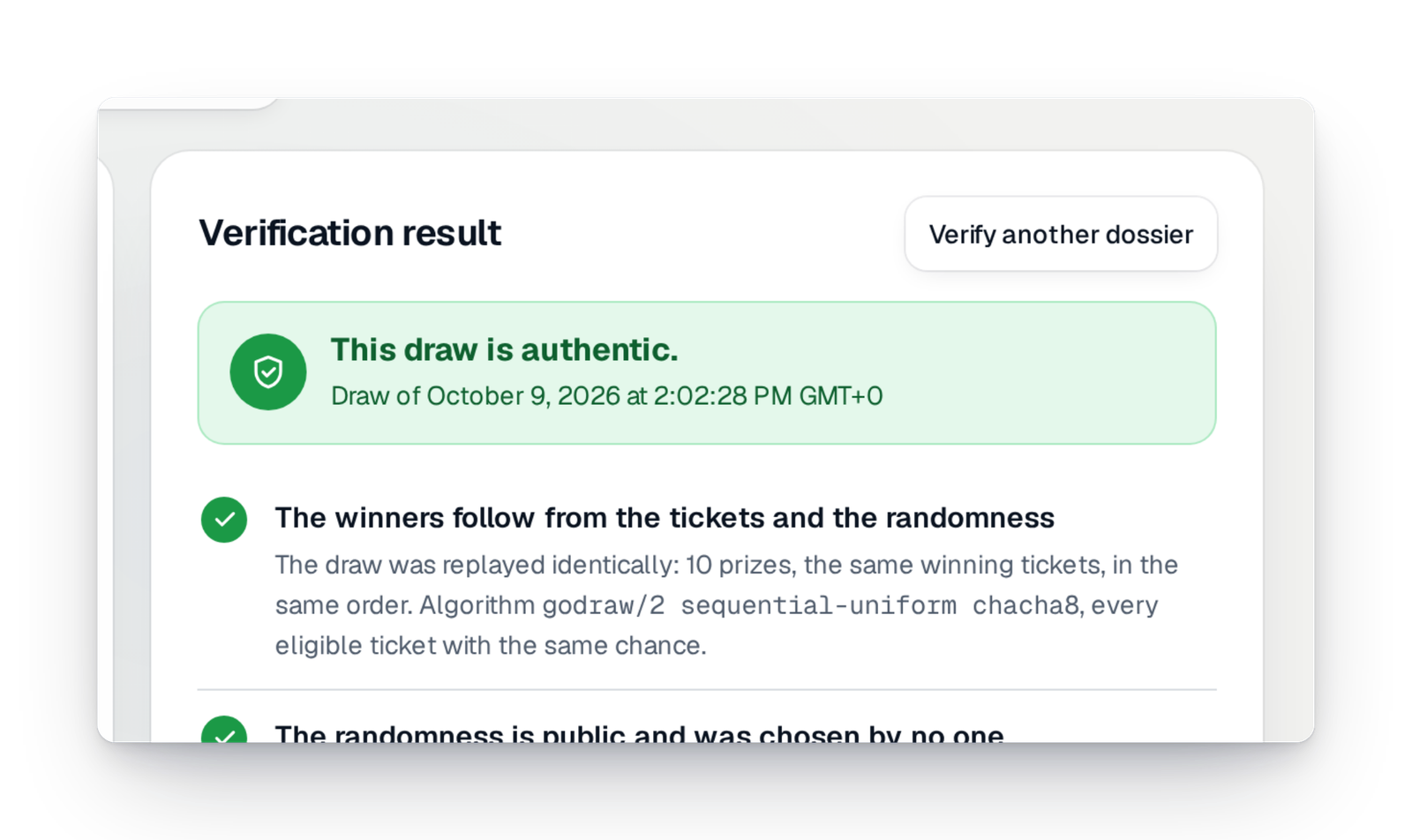
Randomness nobody controls
The randomness comes from a public source and the draw is time-stamped by a European trust provider. Nobody can pick the winners.
- Track and export
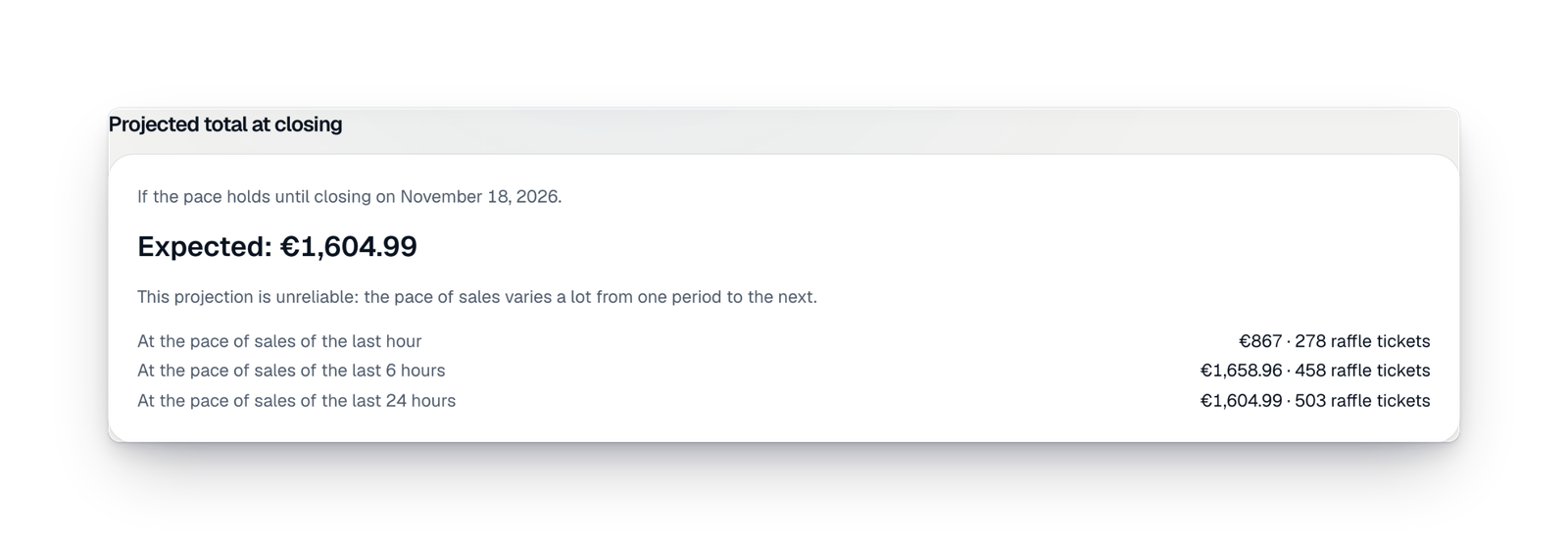
The sales dashboard
The amount raised, the tickets, the average basket, sales hour by hour and a forecast at closing. Updated with every payment, ready to print or save as a PDF.
- Organise your raffle
Next year's edition
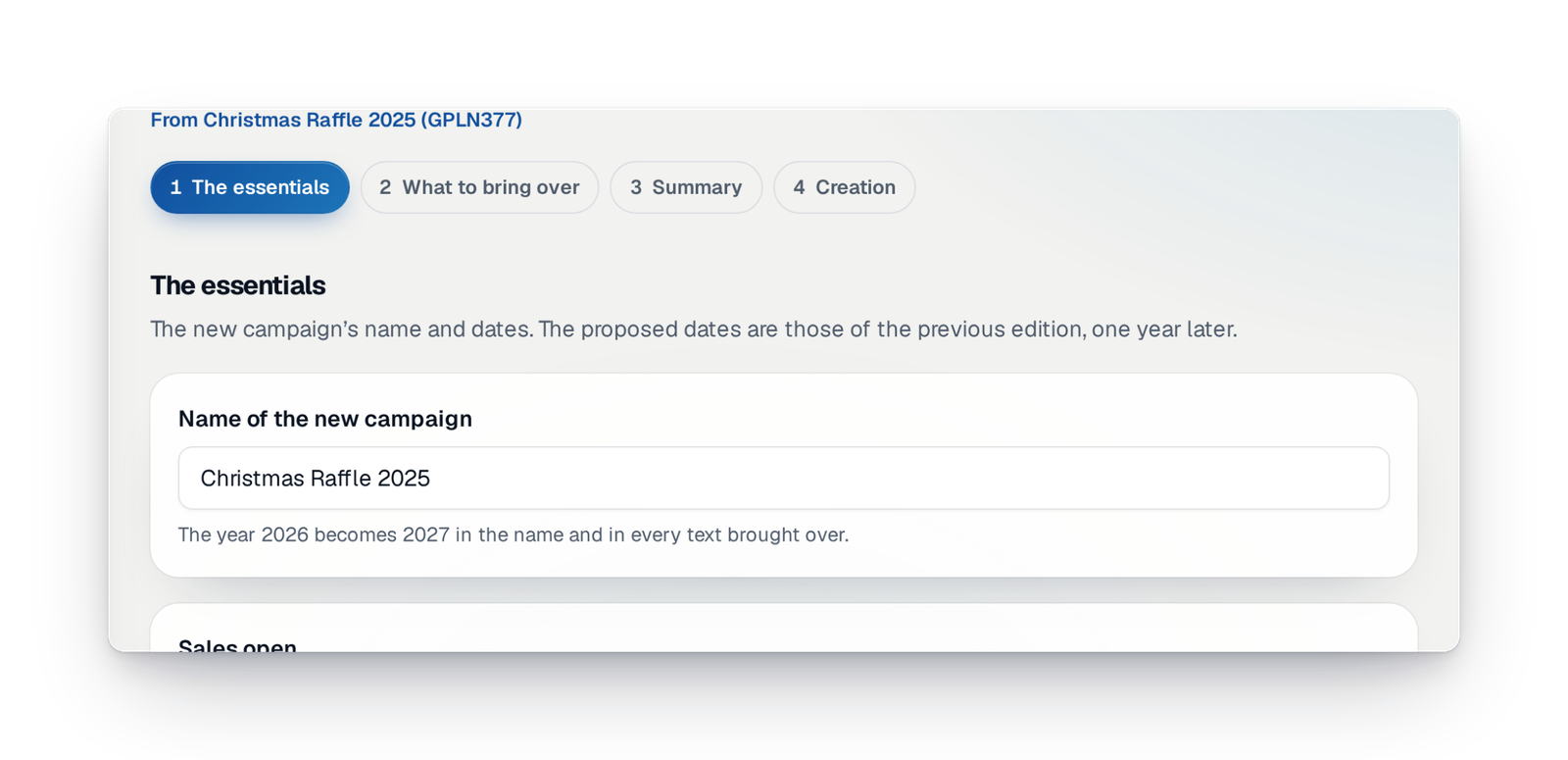
Rebuild last year's campaign and choose what you keep: prizes, partners, photos, sellers, team. The dates move forward by a year.
Your questions, our answers
The ones associations ask us most, in their own words.
Surely you take a percentage of the payments?
No: ticket money goes straight to your own payment account; GoTombola never touches it. Payment fees are those of your payment provider.
You pay GoTombola per campaign, once: it is not a subscription. If your sales go past the limits of your offer, you choose: stop sales, move up to the next offer and pay only the difference, or switch on Flex, which keeps sales going and is billed separately, as a percentage of the money raised beyond the limit. See pricing.
I can't sign up with my payment provider
You are not tied to a single payment provider. In “Payments”, your interface shows the payment methods your participants can use and the state of each account: connected, verification to finish, to reconnect. A paid campaign without an active payment method is flagged by an alert and a banner.
We don't want a fine, we want to play by the rules
No paid campaign starts without its file: before launch, you upload the document signed by the authority (a mayor's order, a declaration) or a sworn statement to be completed within seven days, and our team reviews every upload. The draw is then certified, and anyone can check it.
The board decided to run a paper raffle
Keep your ticket books: each book has its QR code, your volunteers record the sales, and paper tickets count in the same draw as online sales. Sales made elsewhere can be declared and add to your total.
It's my first time… I'm not sure
“To do” brings together, phase by phase, everything left to do before launch, with one button per line. And if you wish, our support team can act in your interface, with your consent.
Your raffle, the way you run it
Create your campaign: online, on paper or in the room, the interface guides you to the last winner.