
Schools and PTAs
The class trip, funded by the whole school
Pupils sell, parents buy online or on paper, and you see who sold what, class by class, with no spreadsheet passed from hand to hand.
- Legal and provableNo paid campaign starts without its permit file, and anyone can check the draw.
- Your money, a clear priceTicket money goes to your own account; you pay per campaign, with no subscription.
- Online and in the roomPaper ticket books, online sales and an evening on the big screen, in one draw, guided step by step.
What matters for a school
From ticket books to sellers, tools designed for classes and families.
- Sell tickets
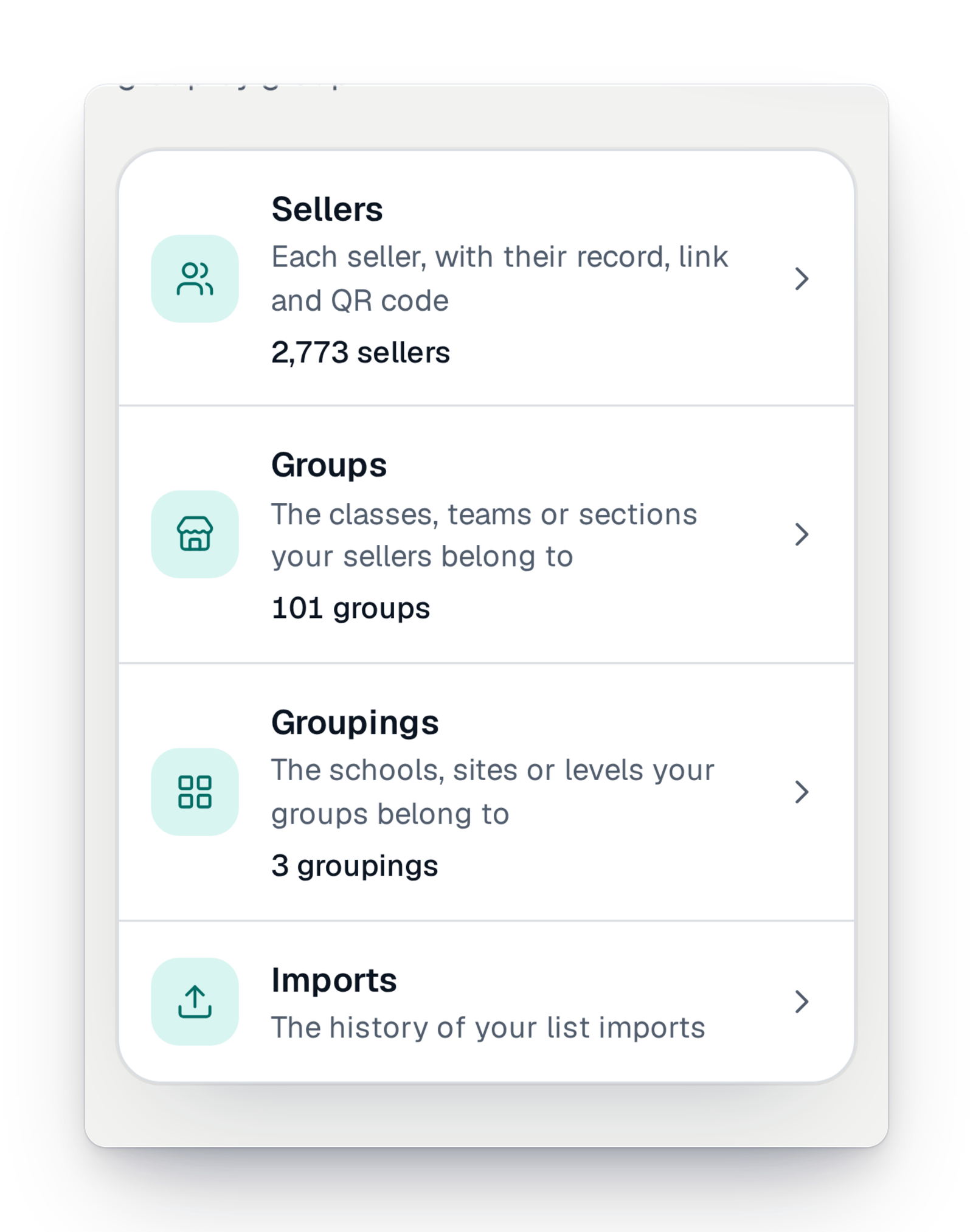
Your sellers and their groups
Pupils, players, volunteers: each has their own record, link and QR code, and their sales are credited to them.
- Sell tickets
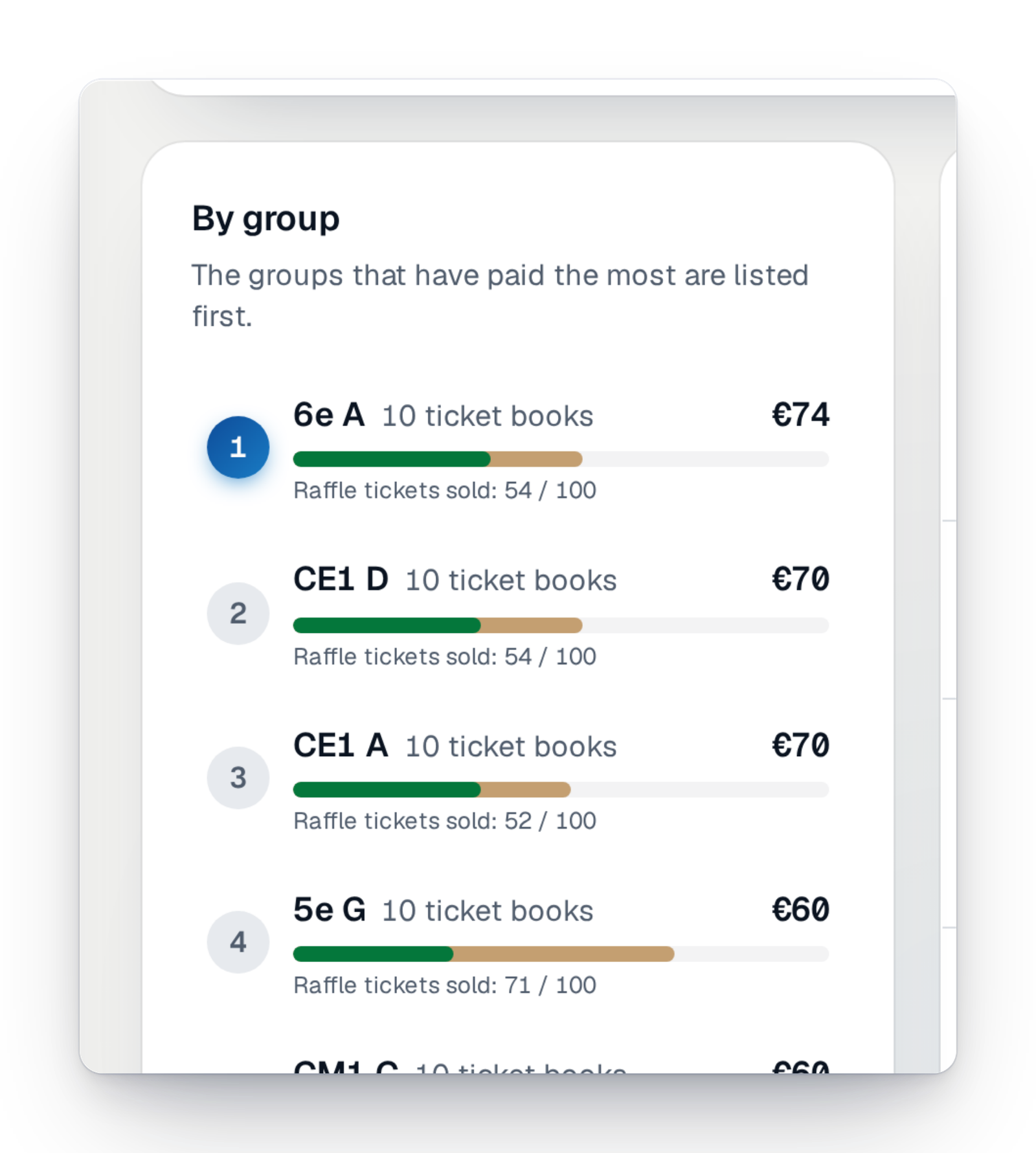
Connected ticket books
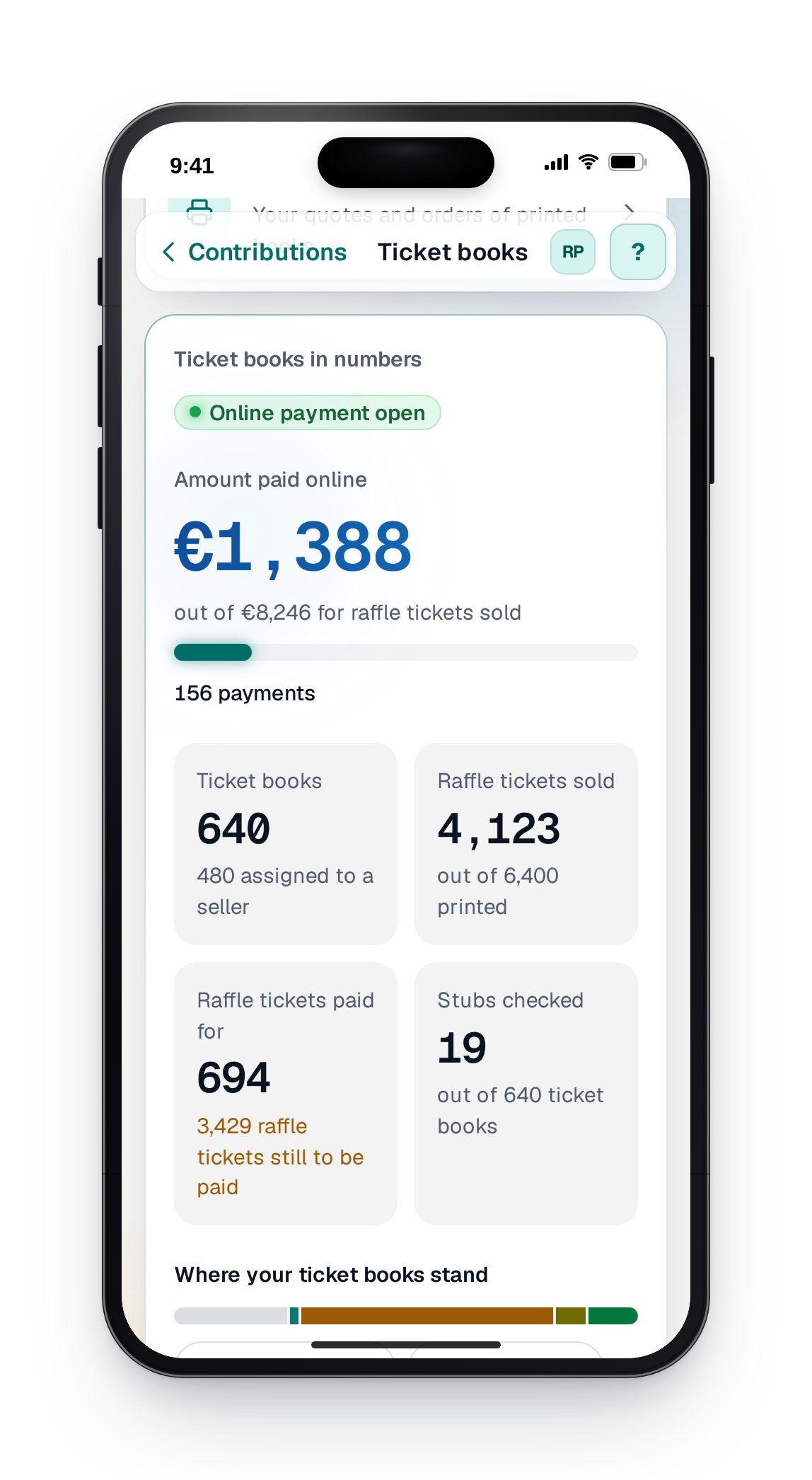
Create your paper ticket books, print each one's QR code and follow, class by class, the books handed out, sold and paid.
- Sell tickets
The online sale page
Your participants pick their tickets on your campaign page, add a donation if they wish and pay in a few taps.
- Get paid
Pay on the spot
A participant reserves tickets and pays in cash or by cheque. You find their pre-orders “to collect” and mark them paid: their tickets are then sent.
- Get paid
Pay later
A participant chooses “Pay later” and receives a link to pay. You see their promises and can cancel them.
- Team and security
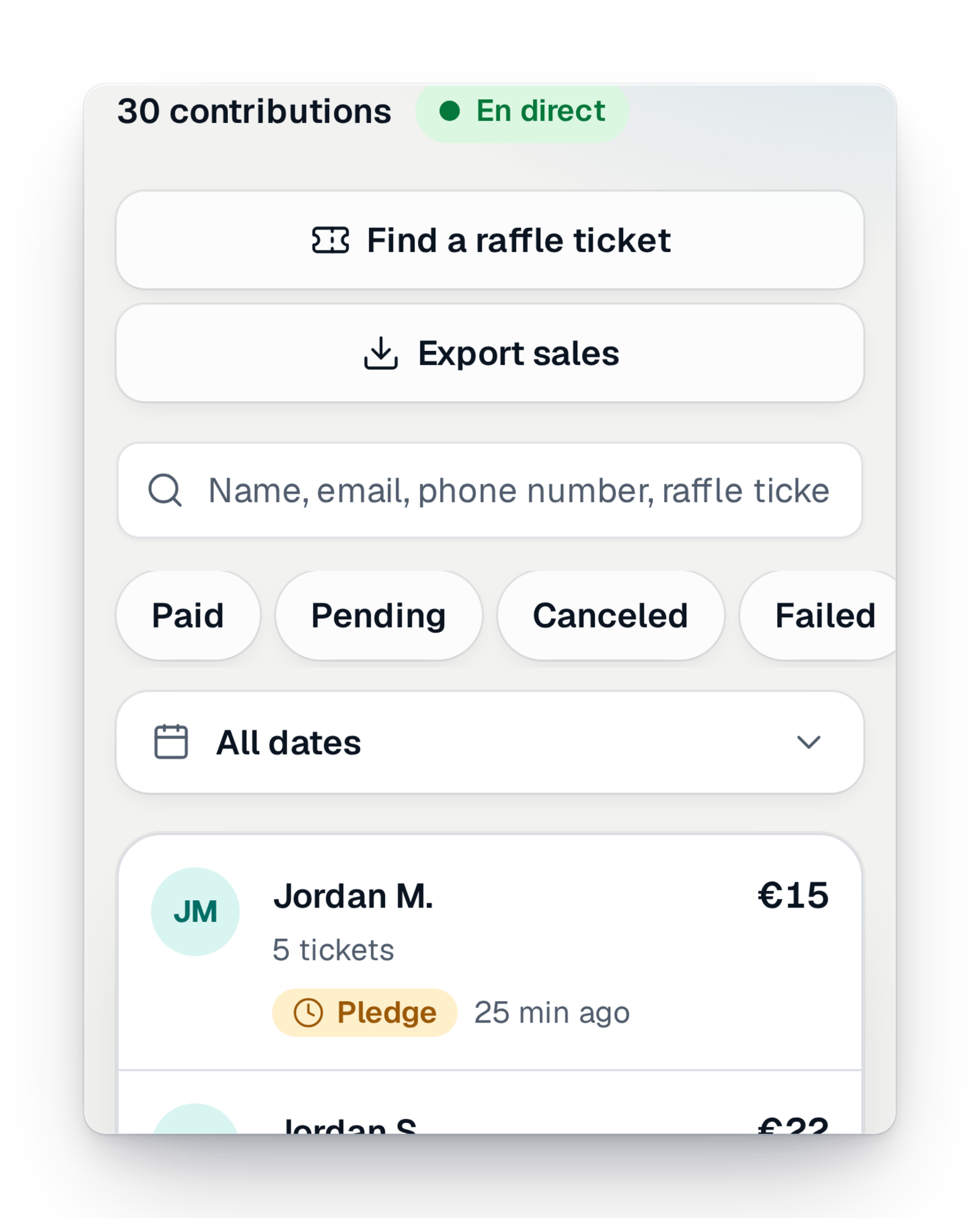
Participants' data protected
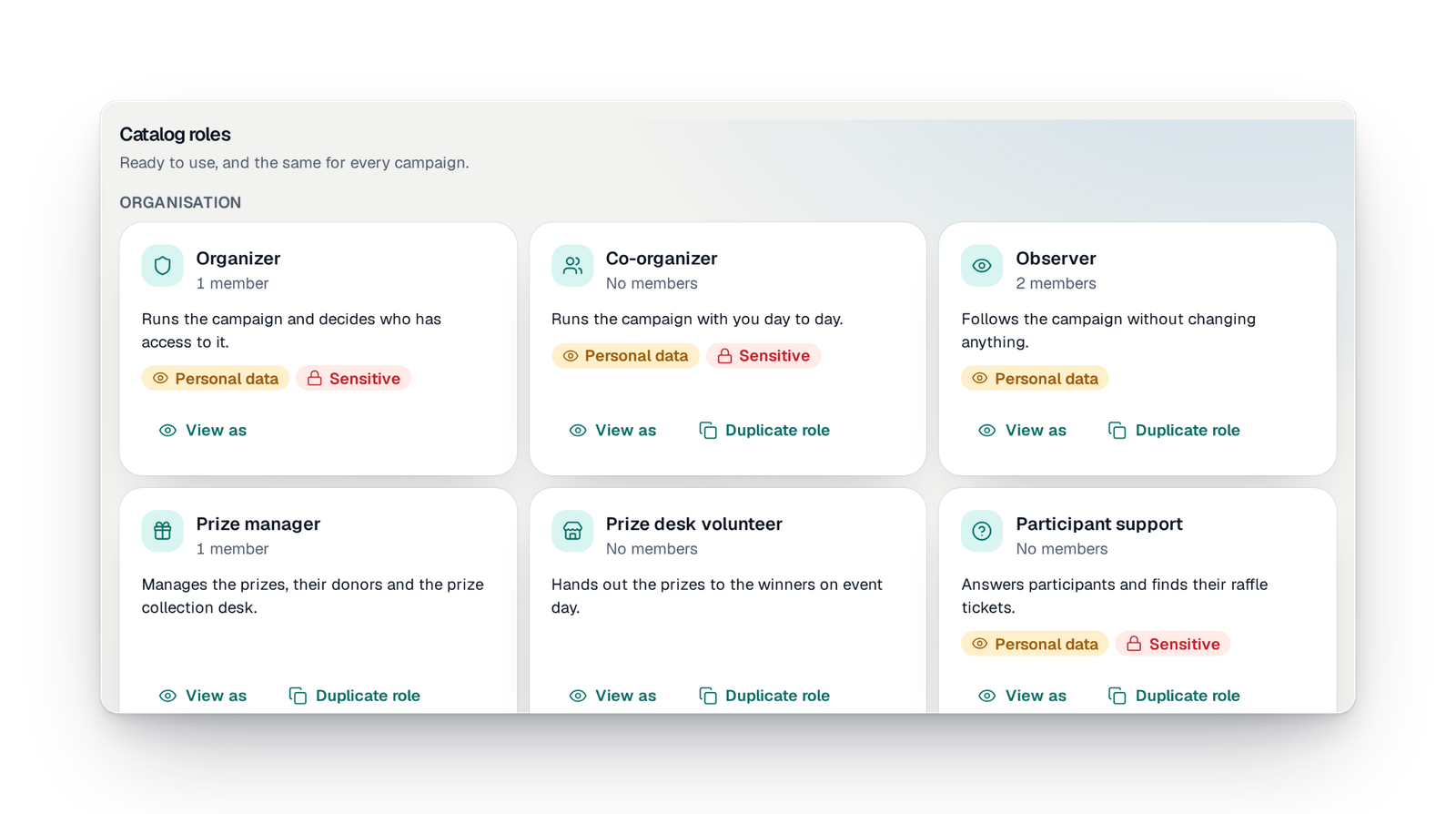
Seeing participants' contact details is a separate right. Without it, you read "Camille M.", with no e-mail or phone. Exporting is another right.
- Organise your raffle
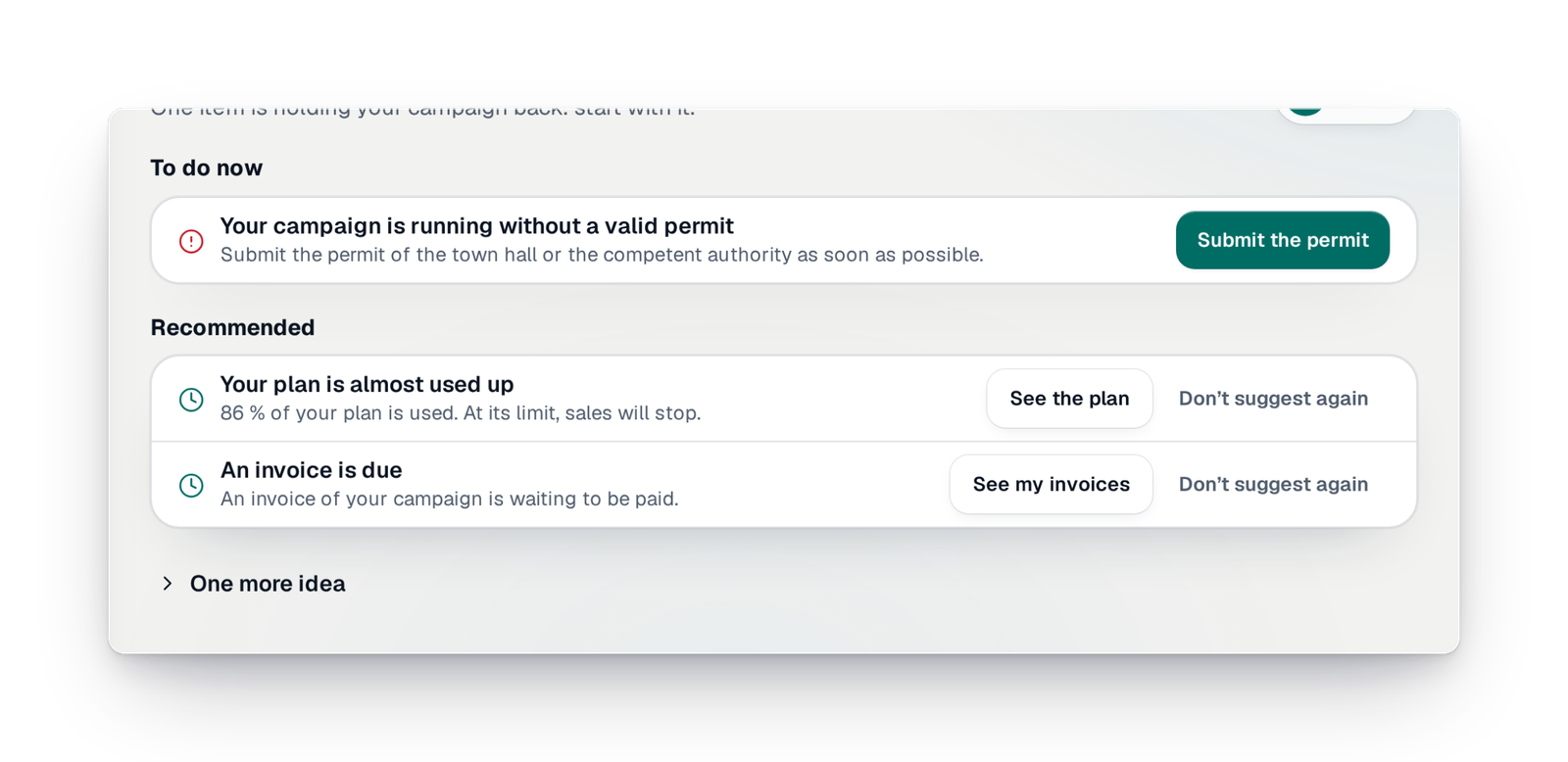
The permit before launch
You upload the document signed by the authority; it is kept, dated, then checked by our team. A paid campaign does not open without it.
- Certified draw
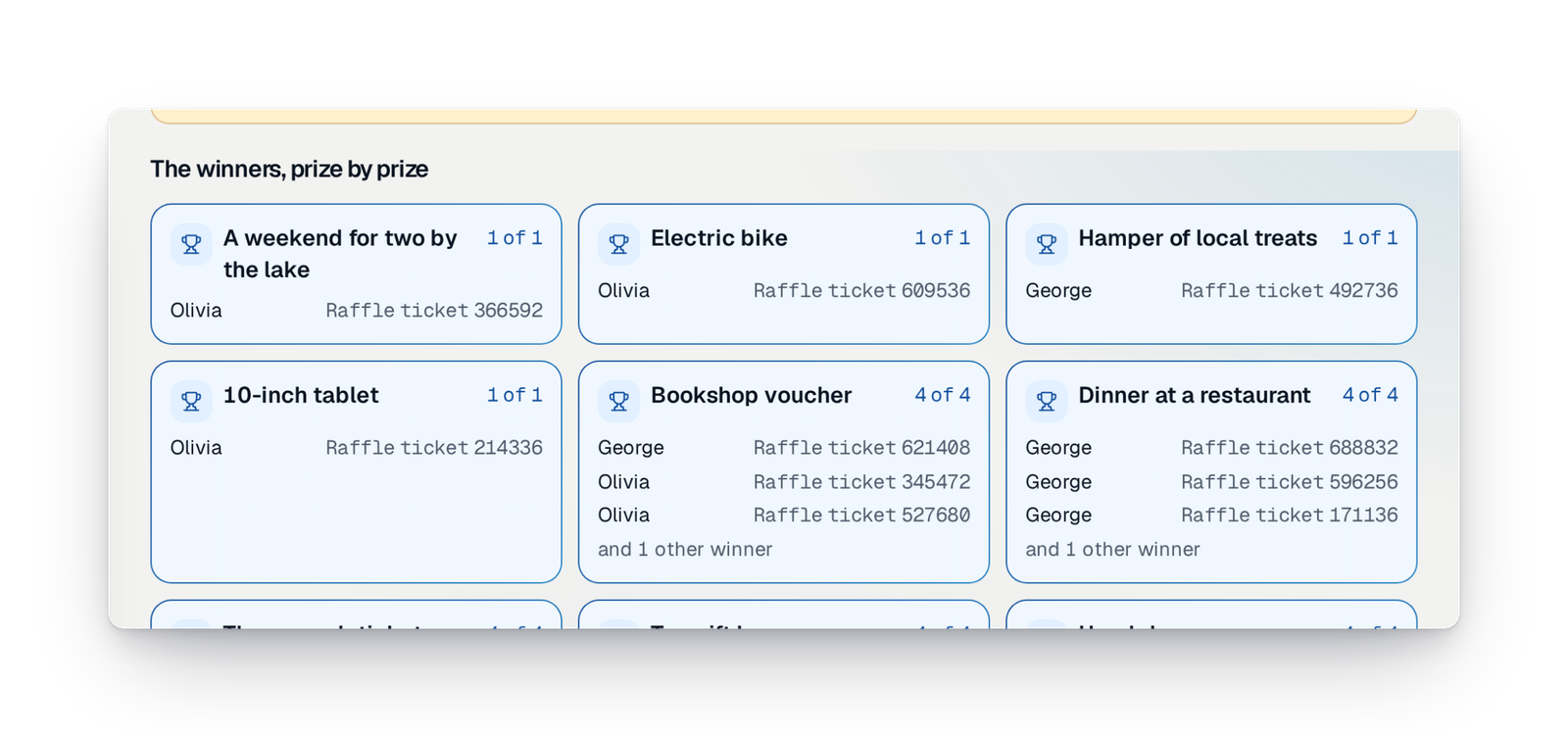
Run the draw yourself
Checks, closing sales, a final review, then the draw prize by prize before your eyes. No waiting for anyone.
- Organise your raffle
Next year's edition
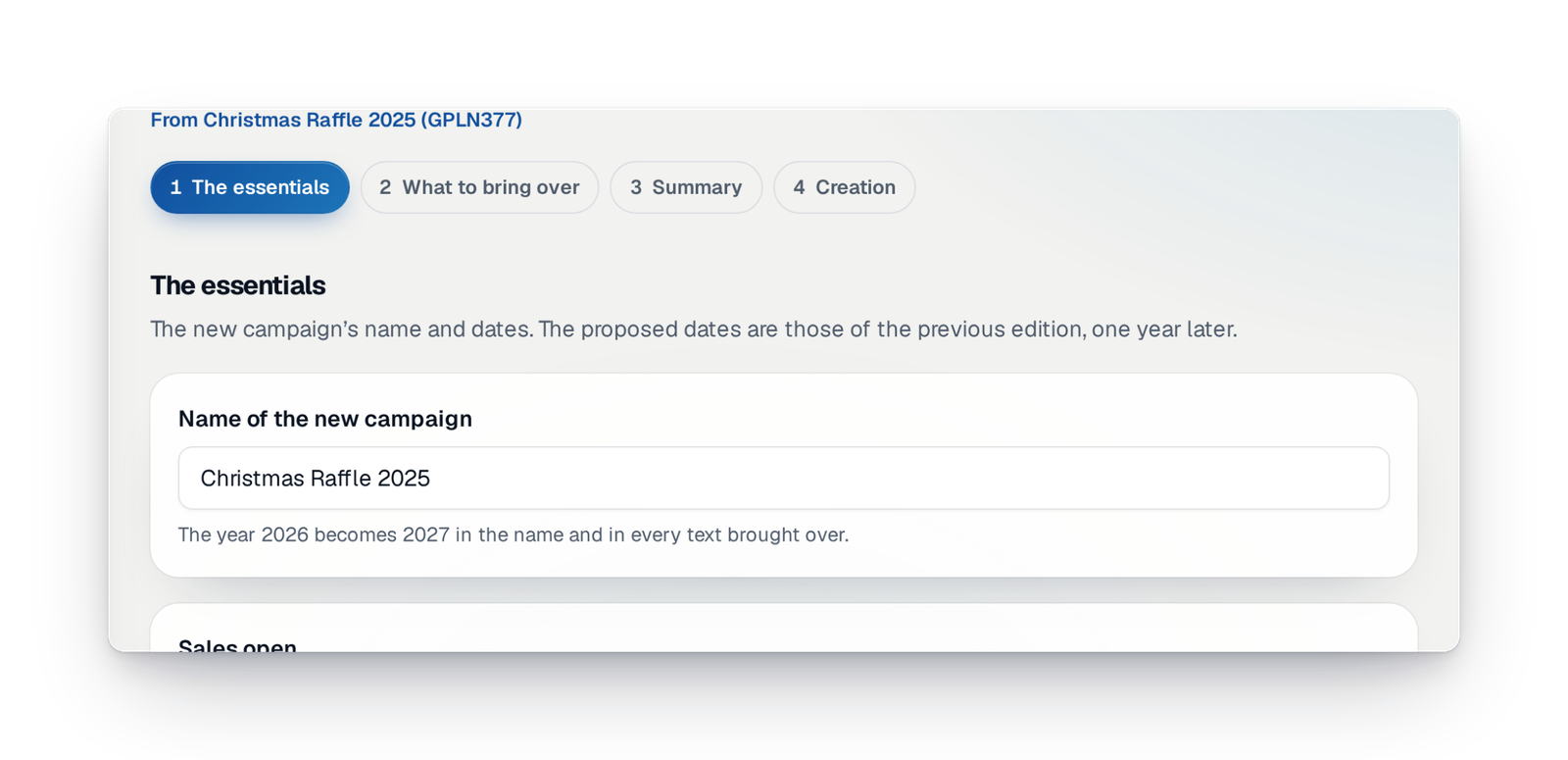
Rebuild last year's campaign and choose what you keep: prizes, partners, photos, sellers, team. The dates move forward by a year.
Your questions, our answers
The ones schools and parents' associations ask us most.
What will the buyer see when selecting the pupil?
Each pupil seller has their own page and QR code, to give to their family: purchases made from that link are credited to them. In your team, access to participants' data is a separate right — masked, full or none —, and an export with full data requires a recent sign-in.
They won't think of looking at the site, especially for paper tickets
Keep the ticket books: each has its QR code, and you follow, class by class, the books linked, sold, paid and checked. Parents who prefer to pay on site reserve online and pay in cash or by check; you mark the reservation paid and the tickets are created.
What does it really cost, and what counts toward the limits?
You pay GoTombola per campaign, once: it is not a subscription, and ticket money goes straight to your payment account. An offer sets limits on tickets, purchases and money raised; the “Offer” screen of your interface shows a gauge for each one and what happens at the limit. See pricing.
We have to ask the town hall, and the town hall takes time
The interface reminds you from the start: before launch, you upload the document signed by the authority, or a sworn statement to be completed within seven days, and our team reviews it. Prepare everything else in the meantime: the campaign only starts with its file.
Your raffle, the way you run it
Create your campaign: online, on paper or in the room, the interface guides you to the last winner.