
Event day
On event day, the whole room with you
Counters on the big screen during the sale, winners revealed prize by prize, an online room for those far away and a live stream on your social media. Everything is set from your interface, with no production crew to hire.
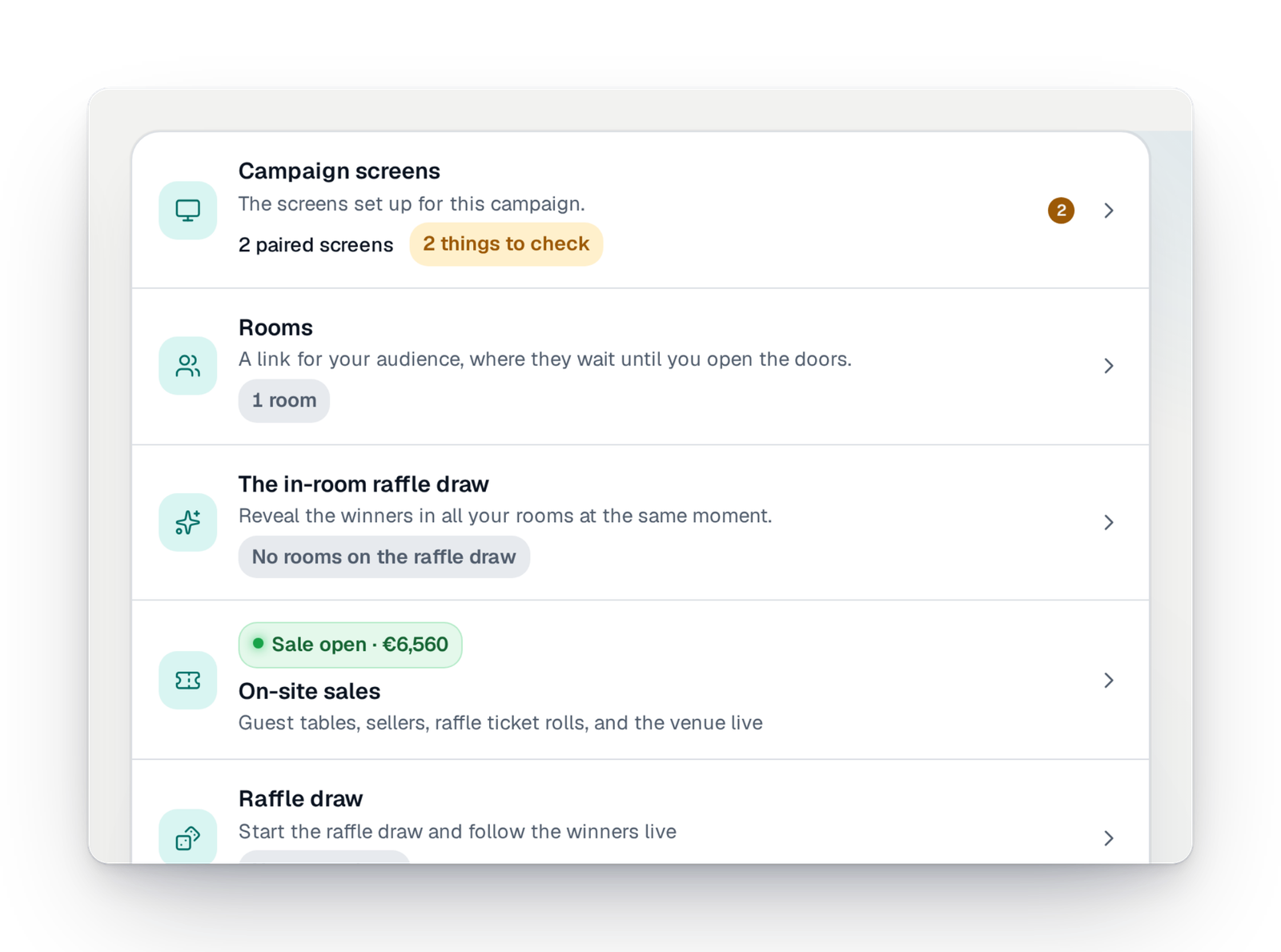
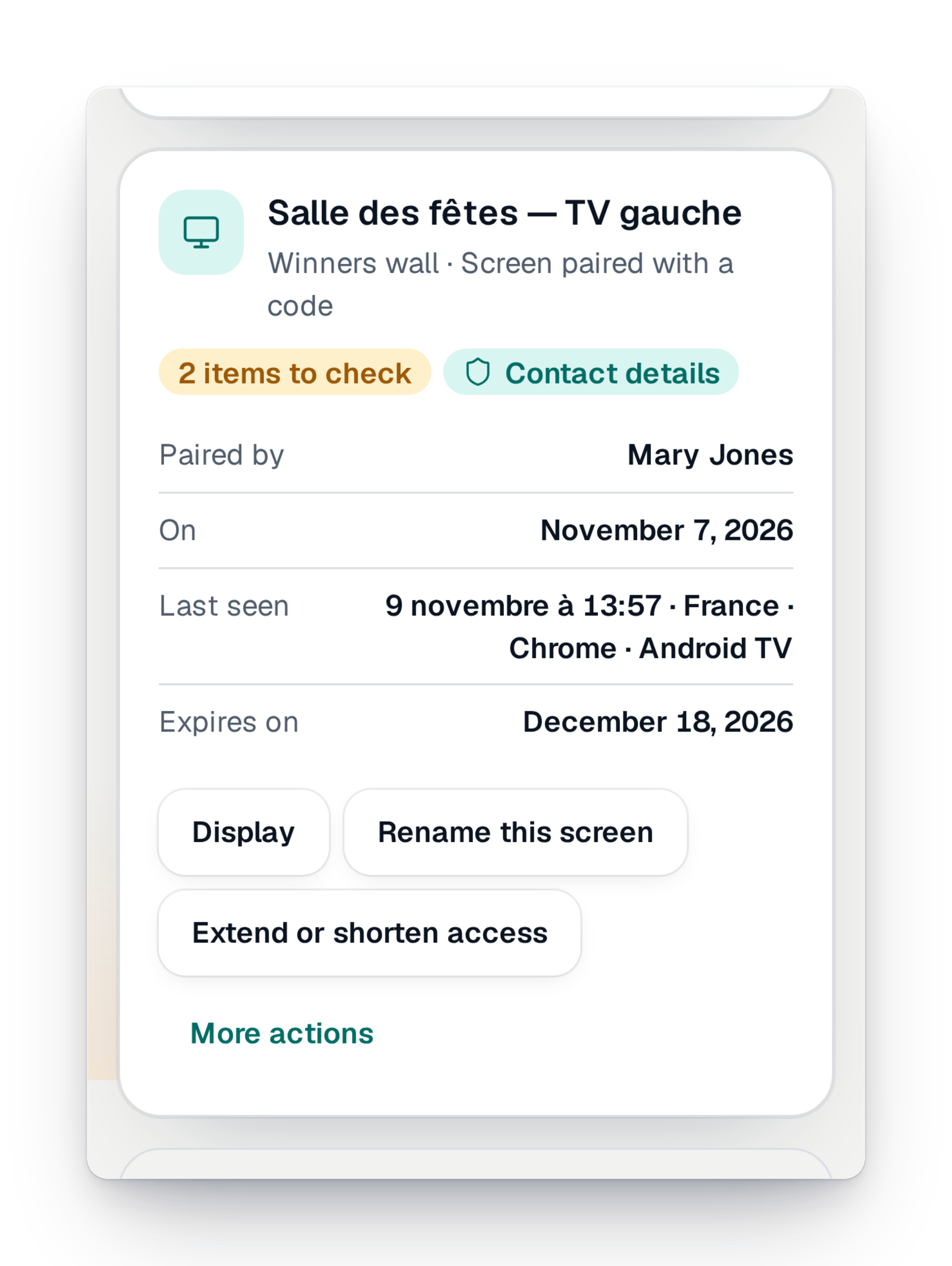
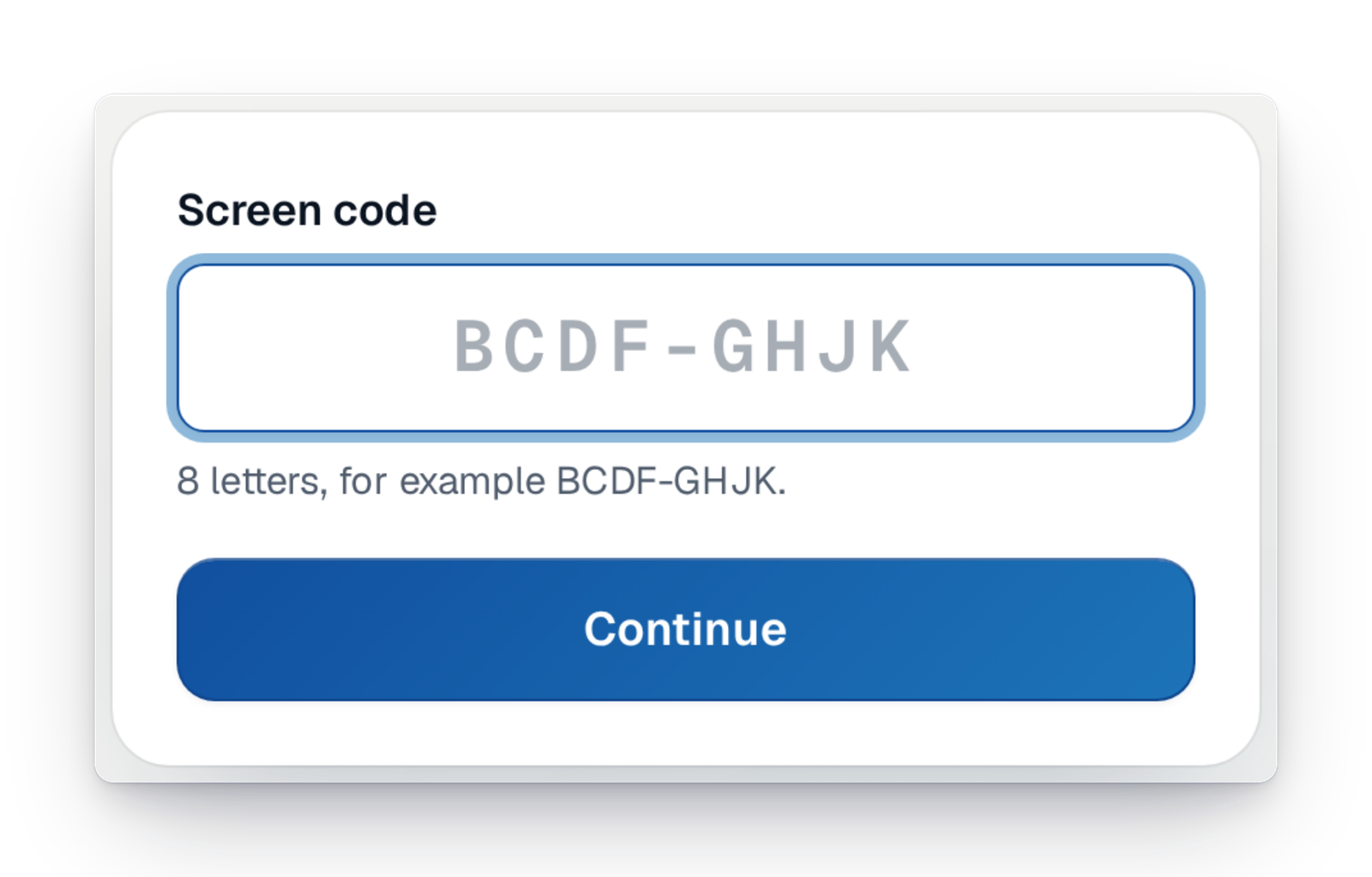
- The same moment for everyoneIn the online room, every screen changes together, winner after winner.
- Nothing to installA browser is enough, for your screens as for your audience.
- Names protectedWinners show with a first name and an initial, unless you choose otherwise.
On event day, all eyes are on you
On draw night, there is the room waiting, the laptop plugged into the projector, the volunteer reading names into the microphone and, elsewhere, everyone who could not come and asks for the results by message. Setting up a live stream or a good-looking screen took equipment, time and someone who knew how.
With GoTombola, your screens are set from your interface and show on any TV, computer or tablet. You open an online room for those far away, you stream the draw live, and you run it all from your phone, walking around the room.
The event day essentials
Two ways to bring your whole audience together around the draw.
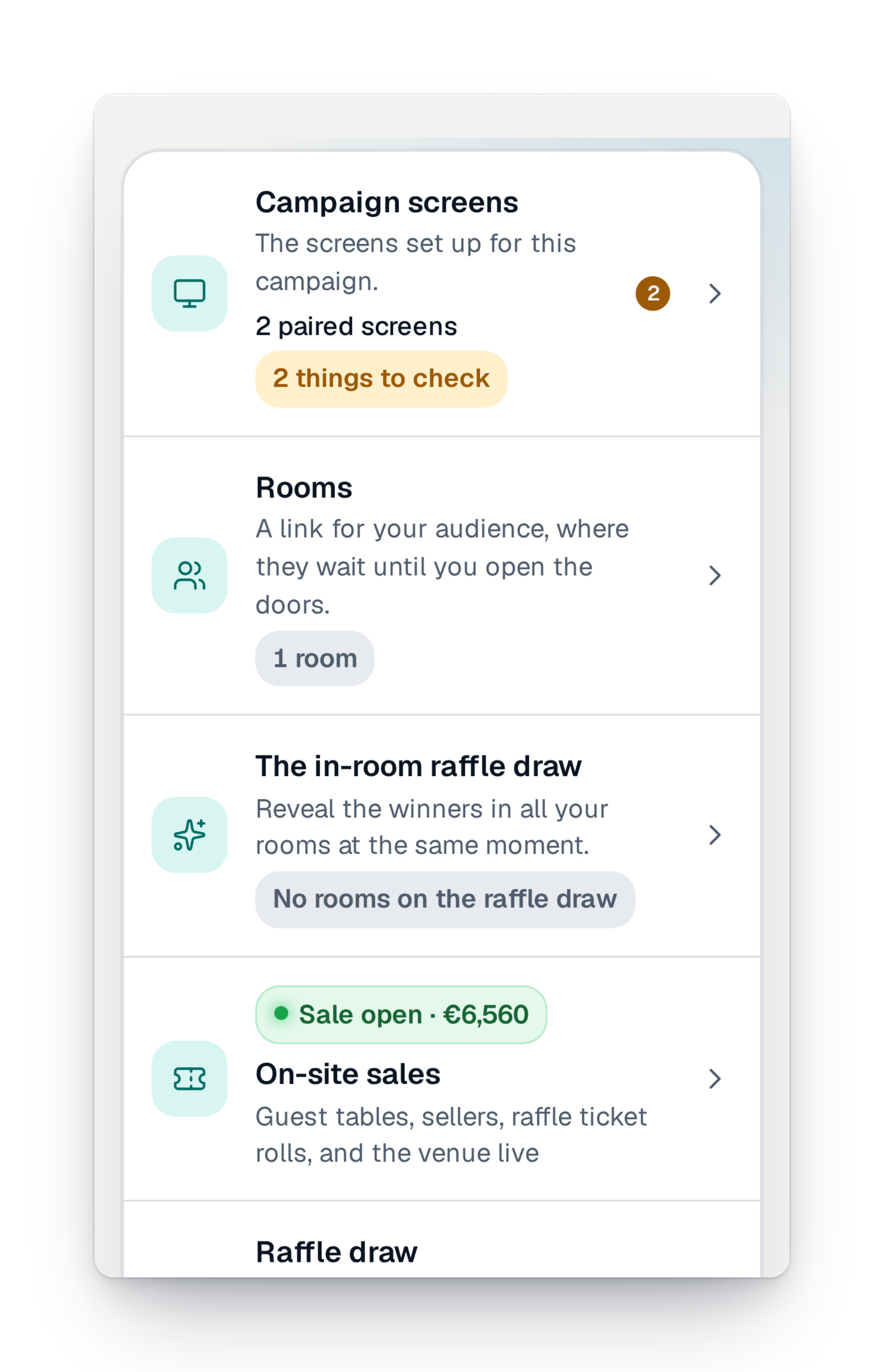
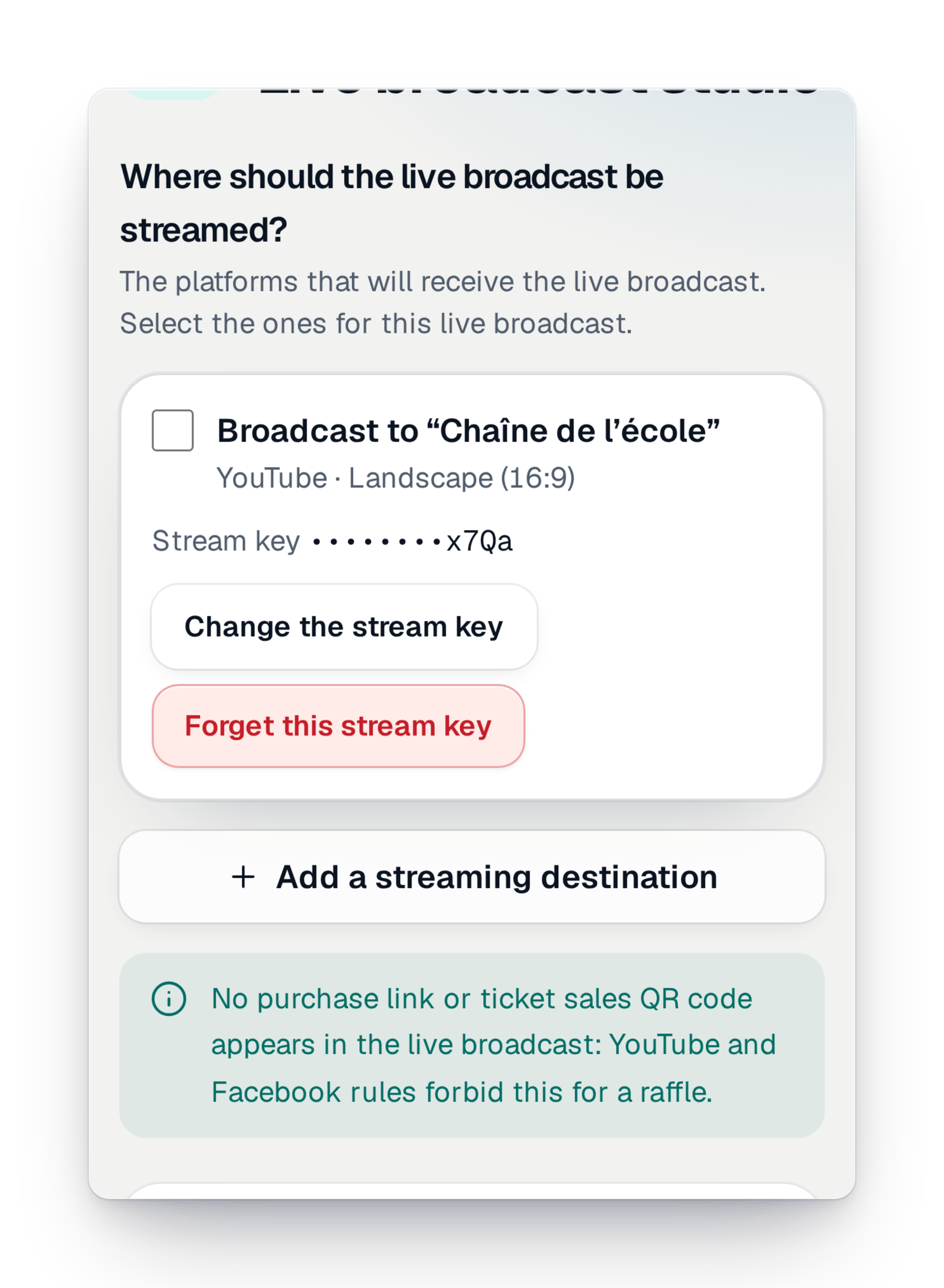
Your screens, from the sale to the last winner
Before, during and after the draw, every screen is set from your interface.
The winners wall
The screen the whole room watches: winners revealed prize after prize, in the layout you choose, from a list to a podium. A demo mode lets you prepare it.
The counters wall
During the sale, on a TV or a giant screen: the amount raised, the tickets, the countdown and your campaign's QR code.
Pair a screen
Pair the room's TV, tablet or computer once from your interface, with no account and no link to pass on.
See what a screen shows
From "My screens", see how each screen really shows your wall, and the points to check before event day.
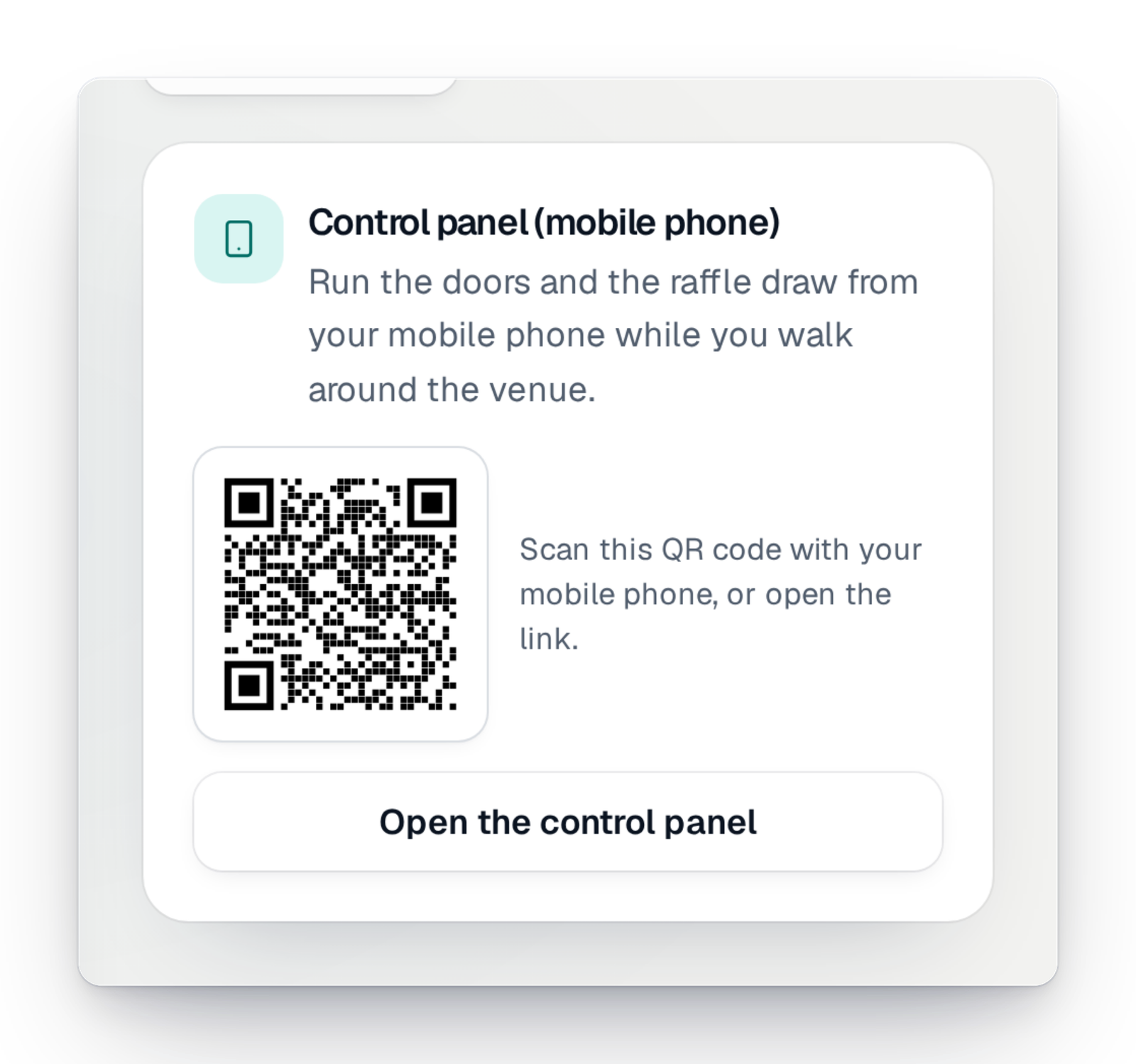
The control room on your phone
Open the doors, start the draw and move to the next winner from your phone, with a preview of what the audience sees.
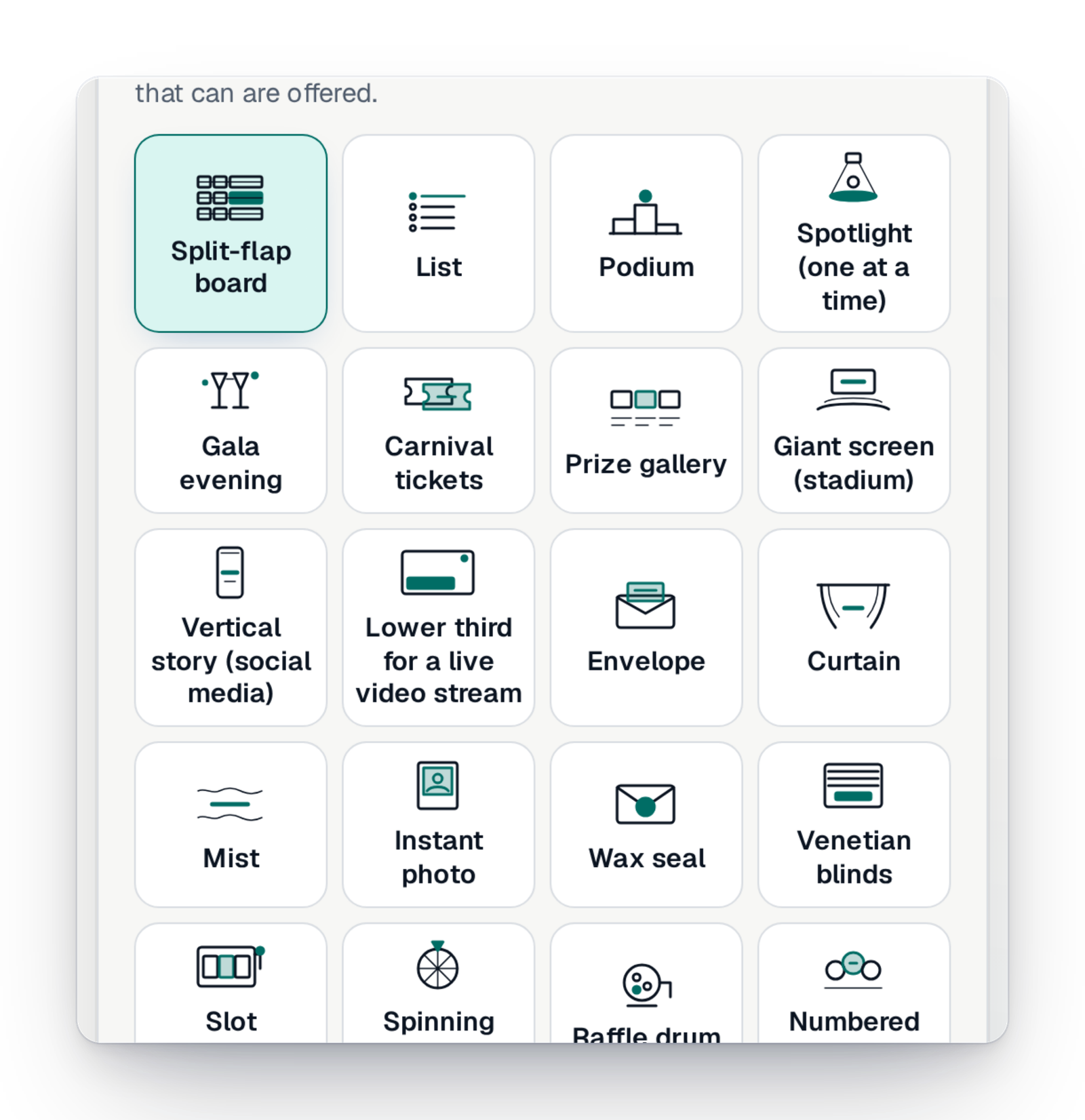
The draw in the online room
Winners reach every screen at the same moment, with sound for those who turned it on. No winner is sent before being revealed.
Presence and applause
Everyone sees how many people are there and applauds in one tap; reactions show for everyone.
Counters in the online room
Before the draw, the room shows your live counters, with a button to buy more tickets.
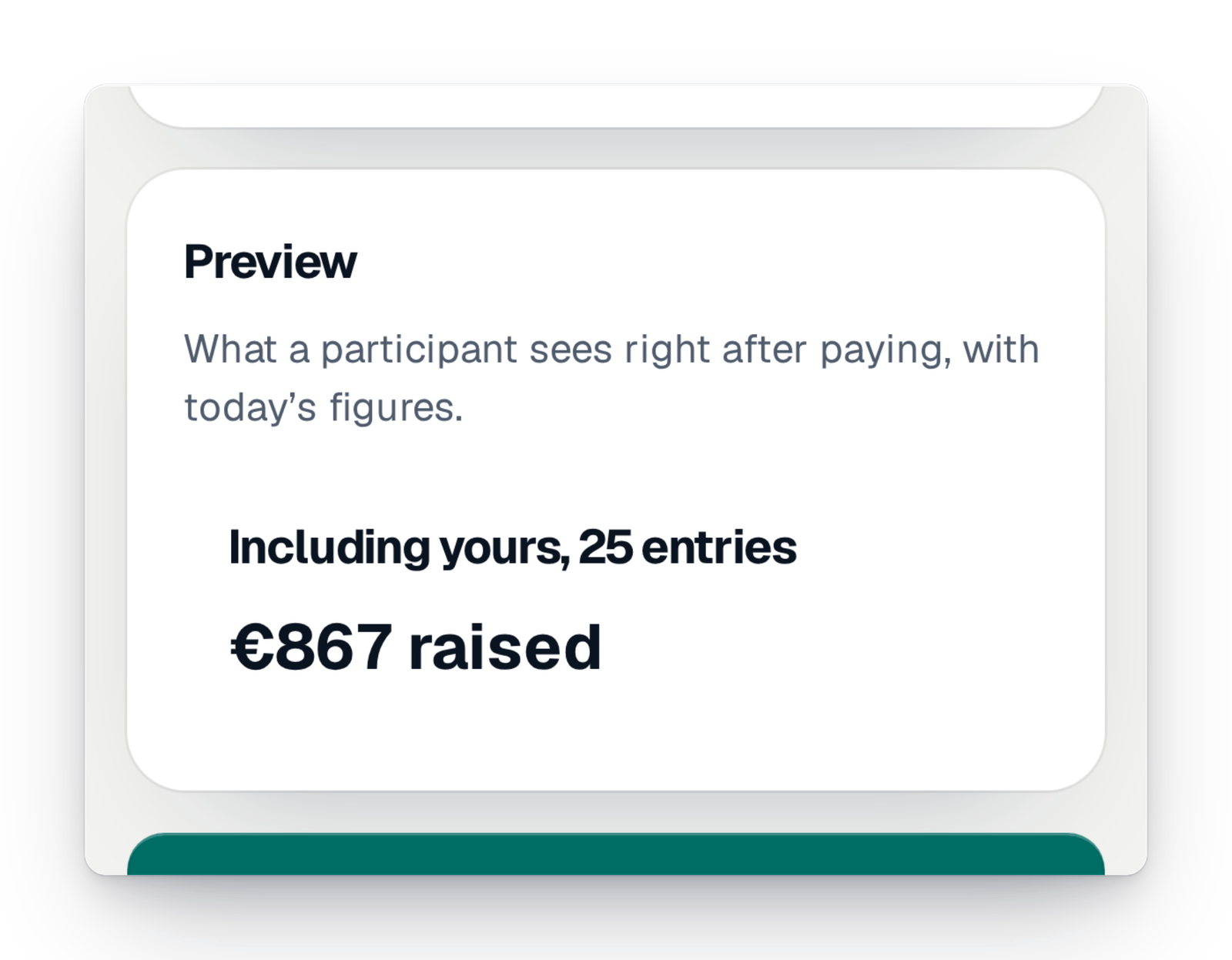
The community, live
On the purchase page, an anonymous card shows how many people are looking at your campaign and the encouragements they send.
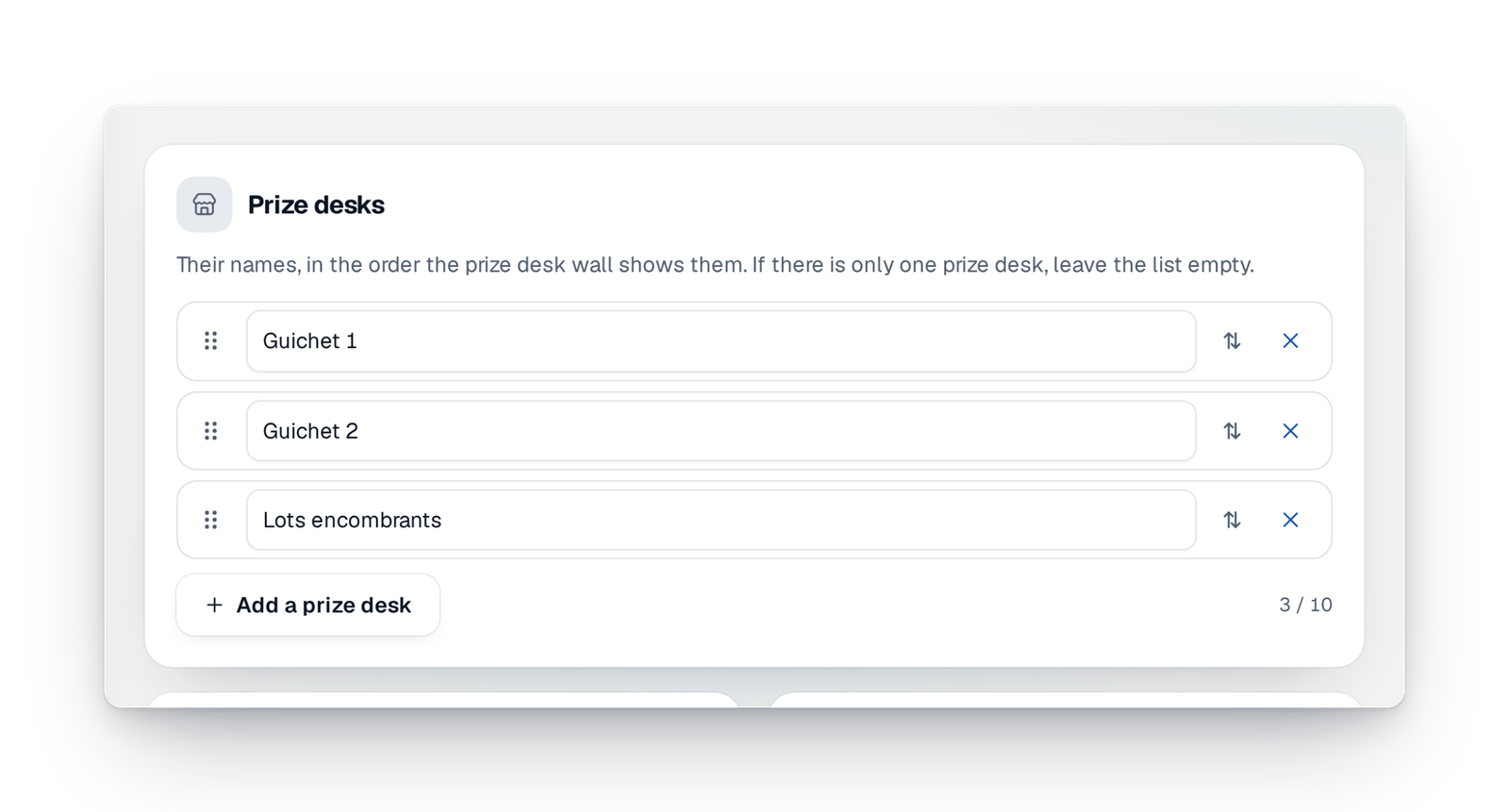
The prize desk
A screen shows the prizes still to collect by ticket number; from your phone, you call the next number to the desk.
The look of your screens
A style, a seasonal mood, your colours or the club's, light or dark, on both walls.
Scenes in relief and a dressed-up QR code
Scenes in relief behind your counters that react to sales, and a dressed-up QR code that always scans.
Record the wall on video
Record your wall in the browser, with sound, and leave with a short film per winner to share.
The big prizes on stage
Coming soonFor an evening, keep the big prizes for the end and reveal them one by one from your phone.
The tables ranking
Coming soonDuring an evening with sales in the room, the wall ranks the tables by amount raised, without any name.
What's new on event day
What arrived recently, and what is coming soon.
Your questions about event day
Yes. Show the winners wall in the room, open an online room for those far away, and stream the draw on your social media if you wish. Winners appear prize after prize.
No. A TV, computer or tablet with a browser is enough to show a wall. You pair it once from your interface, and you can run everything from your phone.
No. The room's link or QR code opens in the phone's browser, with no account or app.
No, not by default. Winners show with a first name and an initial. You can choose to show more, after confirming.
Yes. The winners wall has a demo mode with made-up winners on your real prizes, you can create a rehearsal room, and you can rehearse the live stream before going on air.
Your event day, on the big screen
Create your campaign today; when the day comes, your screens, your room and your live stream are set in a few moves.