
Event day
Your draw live, with no crew
Stream the winners wall or the counters wall on the big video platforms and your social media, from your interface. Nothing to install: you paste your stream key once, you rehearse, then you go on air.
- The same moment for everyoneIn the online room, every screen changes together, winner after winner.
- Nothing to installA browser is enough, for your screens as for your audience.
- Names protectedWinners show with a first name and an initial, unless you choose otherwise.
A live stream, with no technician
Until now, streaming a draw took streaming software, a powerful computer and a volunteer who knew how to use it. Otherwise, someone filmed the screen with a phone, and the winners' names became unreadable.
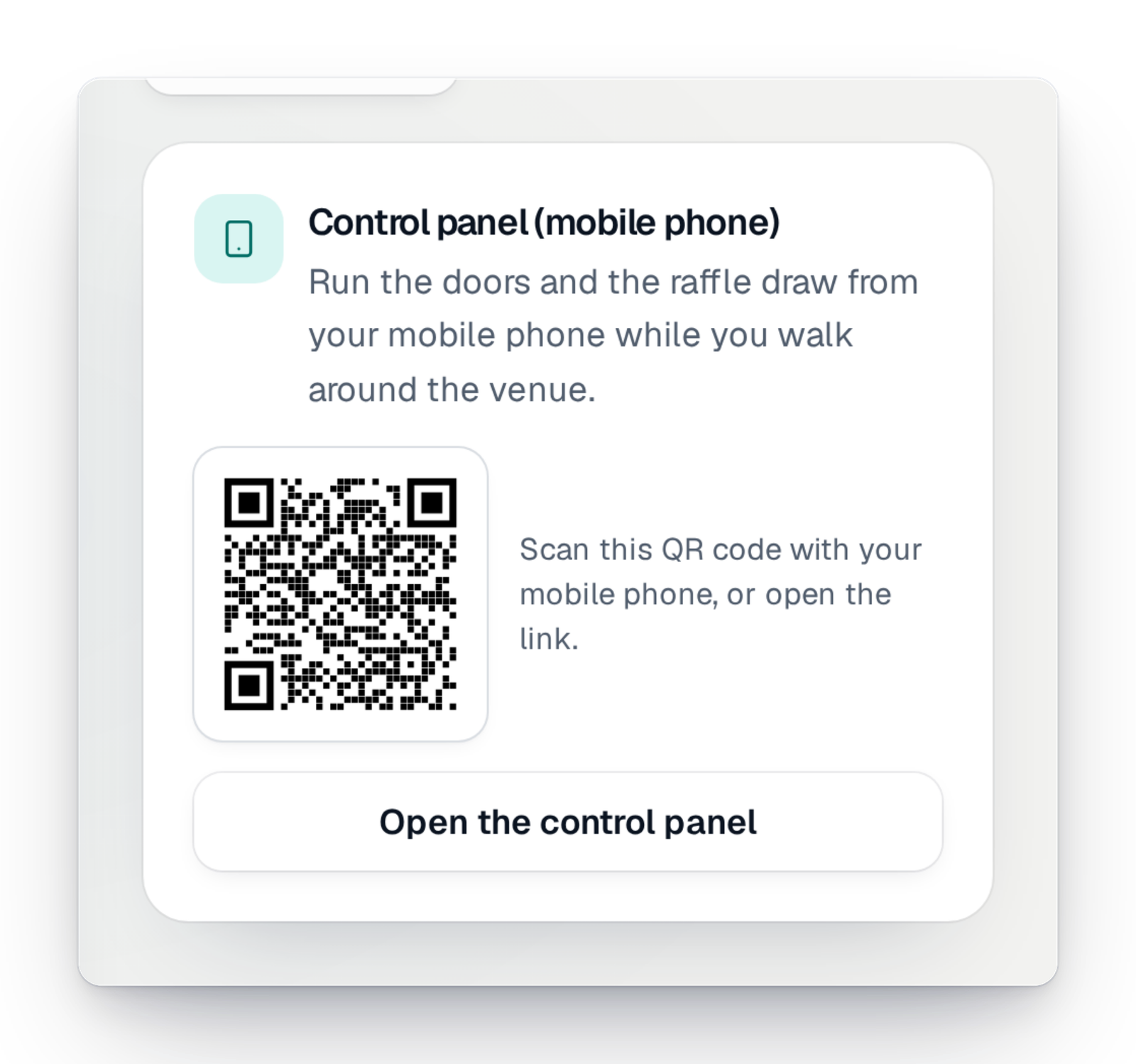
Here, the live stream starts from your management interface. You choose the wall to show and its shape, you say where to stream, and you go on air. The draw shows sharp, prize by prize, and you run it from your computer or from your phone.
Three steps, from the key to going on air
The live stream is prepared from your campaign's event day.
Step 1
Choose your wall
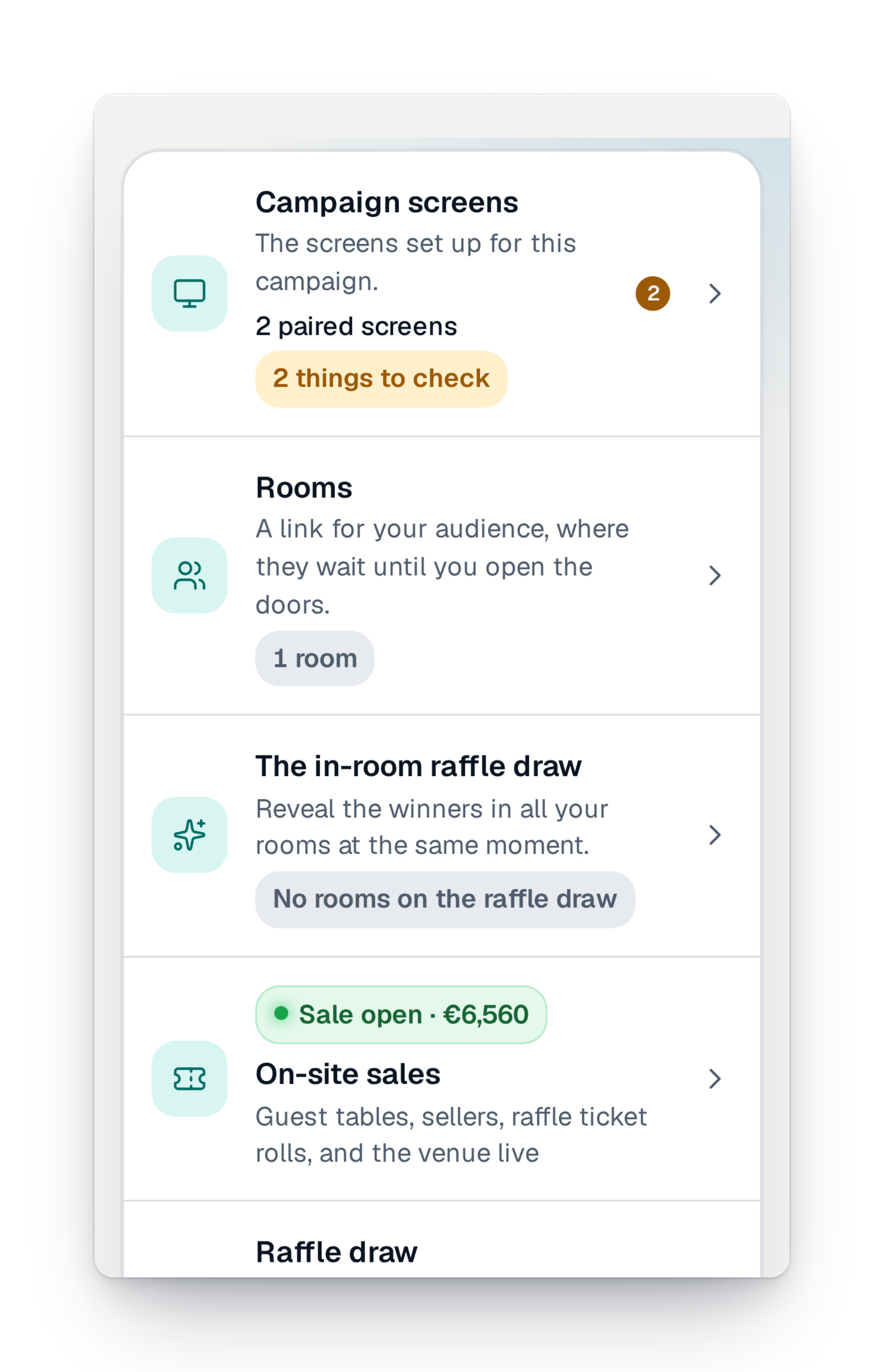
From your campaign's event day, choose what your viewers will see: the winners wall during the draw, or the counters wall during the sale. Choose the shape too: wide, tall for stories, or square.
Step 2
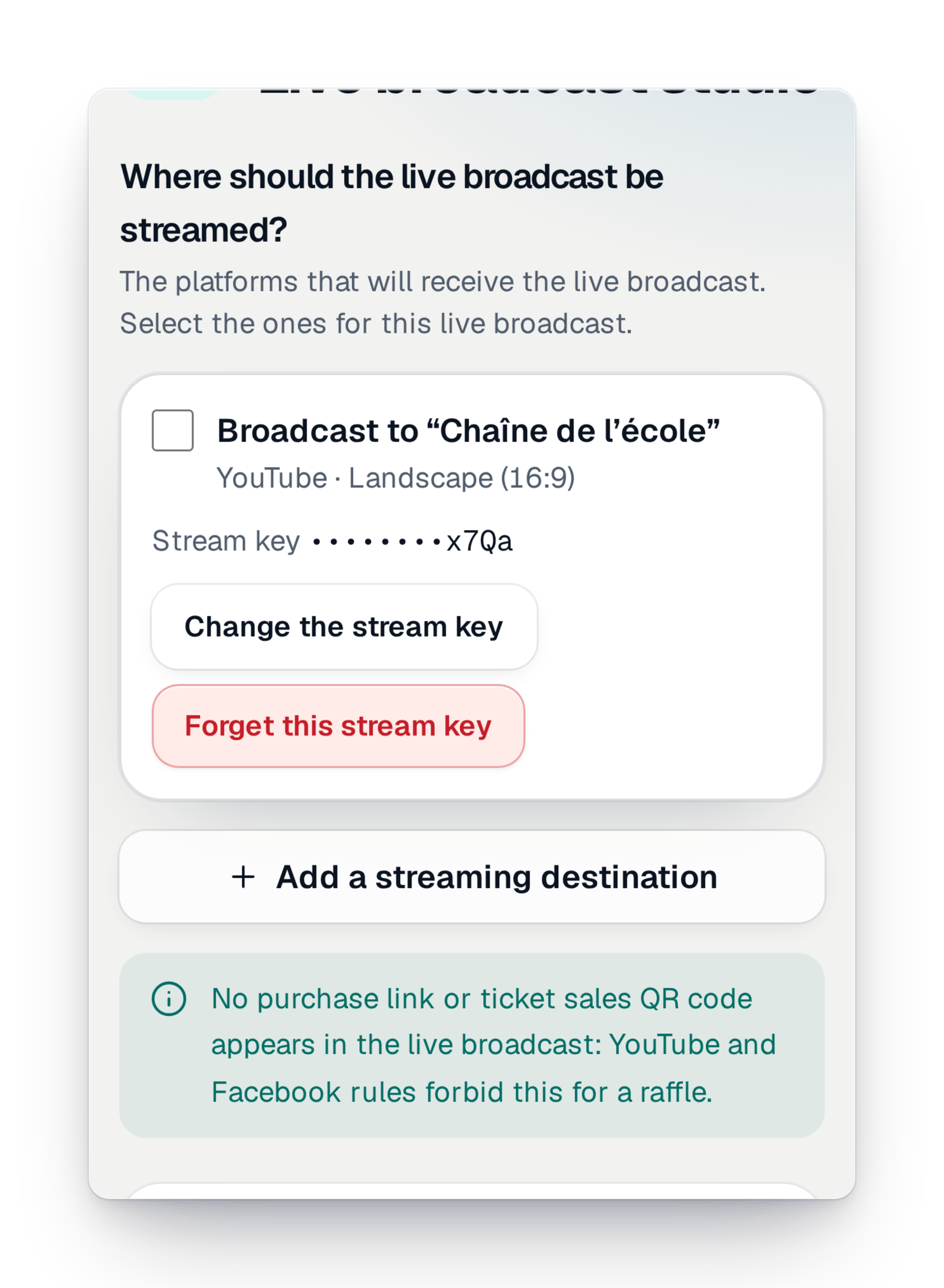
Add your destinations
Paste the stream key of your channel or page once: it is kept, masked, and you can change or forget it. For each live stream, you tick the destinations you want. No purchase link or sale QR code shows in the live stream: the platforms' rules forbid it for a raffle.
Step 3
Rehearse, then go on air
Rehearse with made-up winners, then go on air. You run the draw from your computer or your phone, with a preview of what is being streamed. You stop the live stream whenever you want, and it is recorded.
Good to know
- Available in every country, whatever your offer.
- You can stream to any platform that accepts a stream key: the big video platforms as well as your social media.
- Nothing to install: GoTombola produces the live stream, and it starts from your interface.
- The live stream shows the wall and its sound. A presenter's voice is not supported yet.
- Each platform adds its own delay: your viewers see the live stream a few seconds after the room.
Your questions
No. The live stream starts from your management interface. A browser is all you need.
In the live settings of your channel or page, on the platform where you want to stream. You paste it once; it is kept for your next live streams.
No. The big platforms' rules forbid it for a raffle. So the live stream shows neither a purchase link nor a sale QR code.
Yes. The live stream is recorded, to watch again or share after the draw.
Yes. Rehearse with made-up winners before going on air.
Your draw, seen by everyone
Create your campaign today; when the day comes, your live stream starts in a few moves.