
Event day
Your whole audience, at the same moment
Share a link or a QR code: everyone opens the room in their browser, with no account or app, and waits with a countdown. When you open the doors, every screen changes together, and the draw is followed winner after winner.
- The same moment for everyoneIn the online room, every screen changes together, winner after winner.
- Nothing to installA browser is enough, for your screens as for your audience.
- Names protectedWinners show with a first name and an initial, unless you choose otherwise.
Those far away want to be there too
On draw night, not everyone can come: grandparents who live far away, parents at work, supporters who bought online. They wait for the results by message, or follow a video call that cuts out at the wrong moment. And in the room, everyone squints at the screen at the back.
The online room brings them all together. One link, and everyone follows the draw on their own phone, at the same moment as the room. You stay in charge: you open the doors, start the draw and move to the next winner.
Four steps, from the doors to the last winner
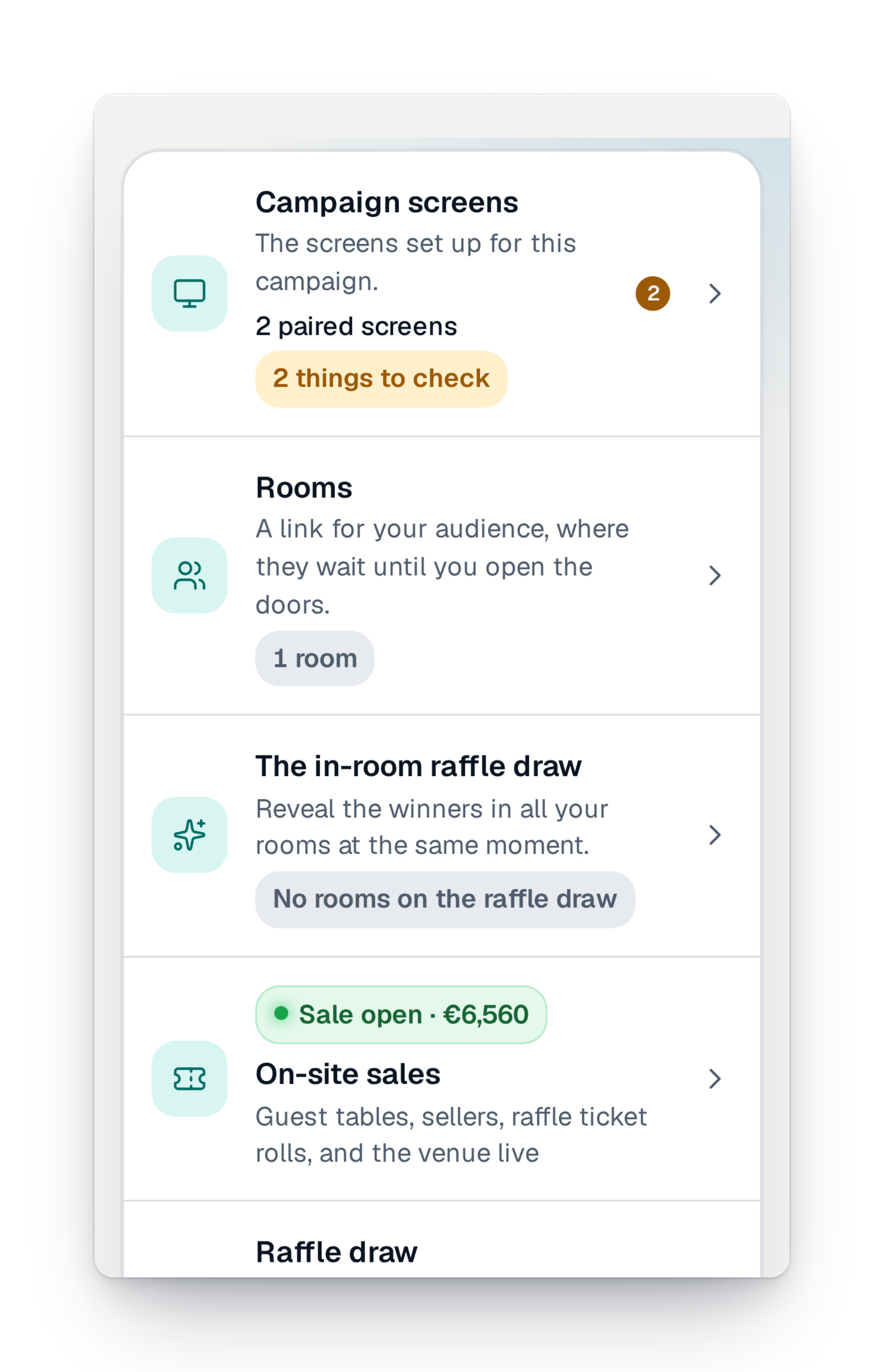
Everything is in "Event day › Rooms" in your management interface.
Step 1
Create your room
From your campaign's event day, create a room and share its link or QR code: by e-mail, on your social media, on a poster at the entrance. Nothing to install for your audience.
Step 2
Open the doors at the right moment
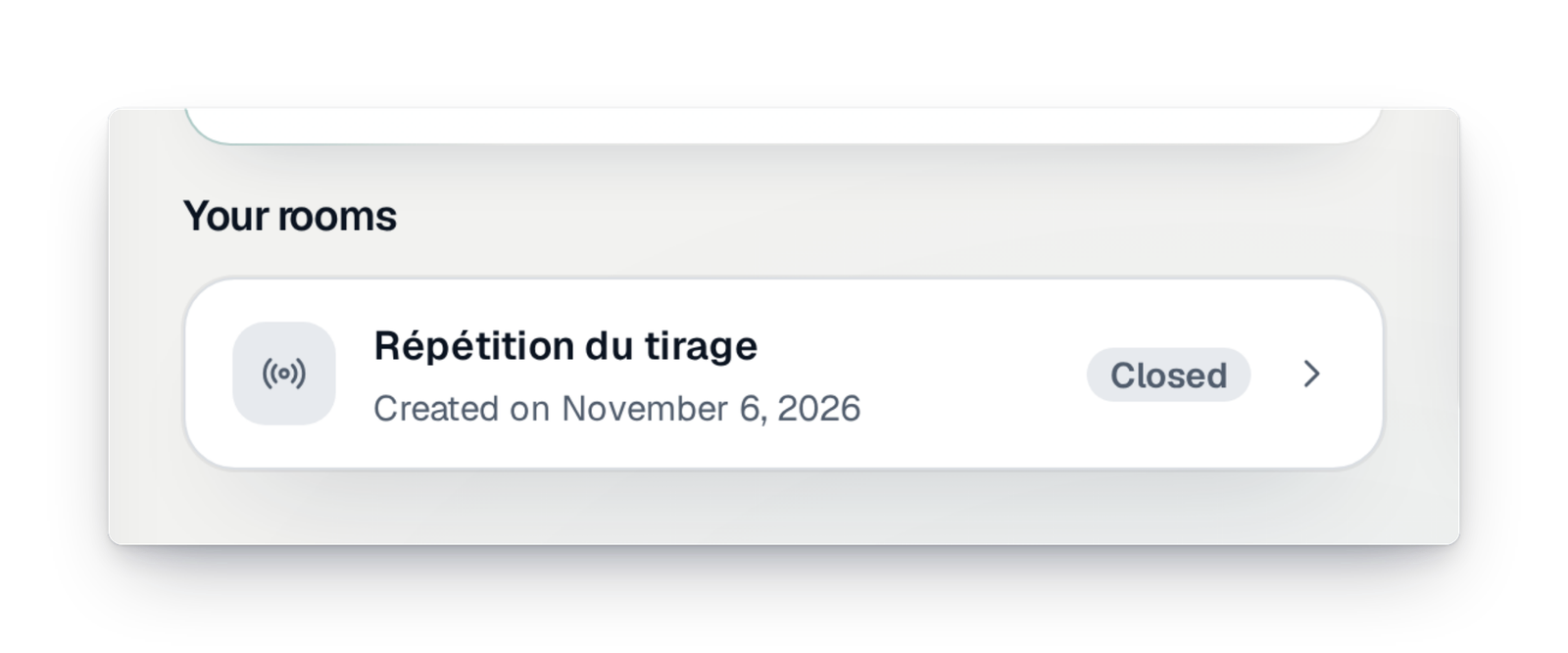
While they wait, your viewers see a countdown. When you open the doors, every screen changes at the same moment. You pause, resume or close the room from your interface. A rehearsal room lets you practise beforehand.
Step 3
Prepare the draw
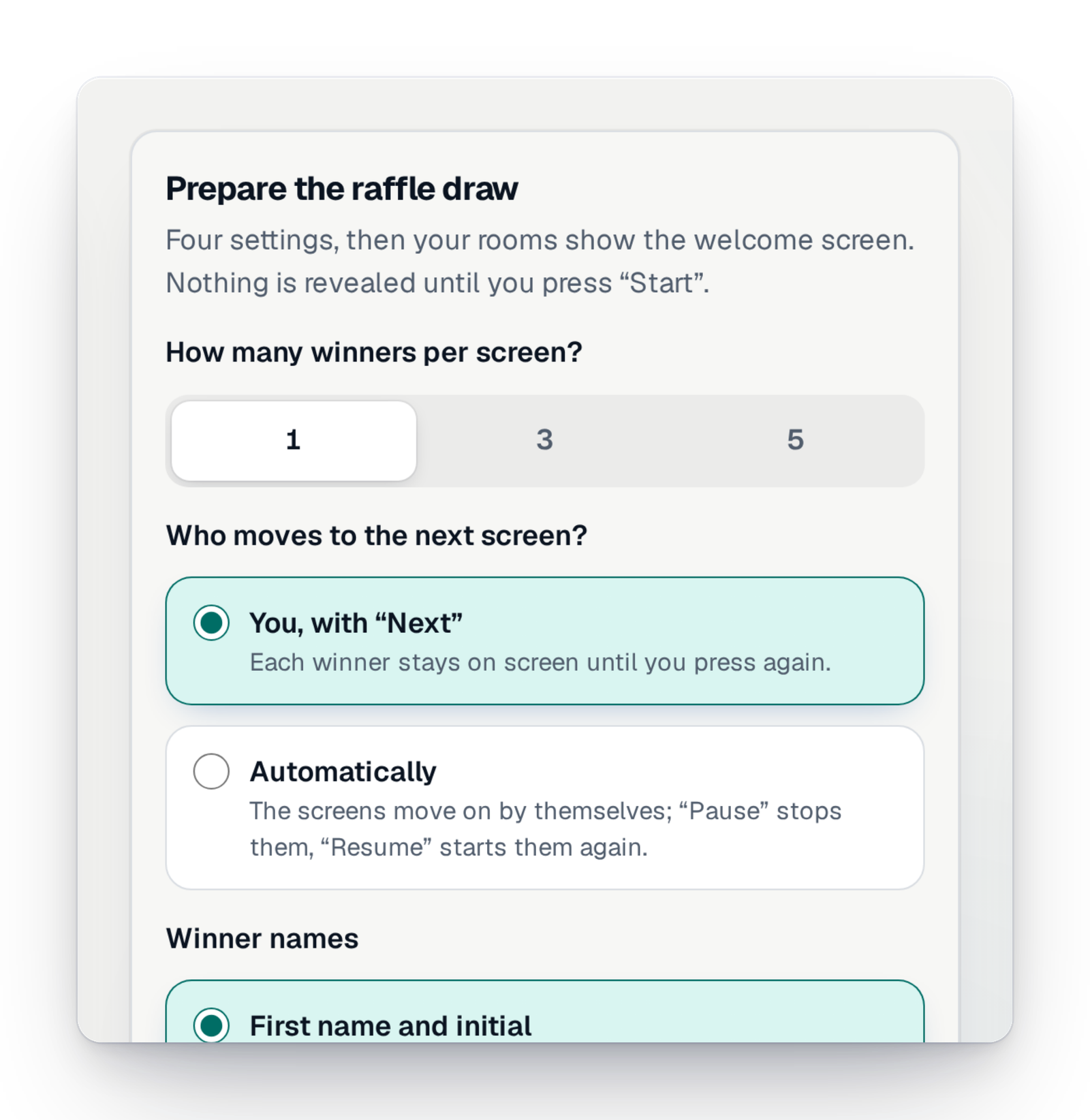
Choose how many winners show per screen, and who moves things on: you, with the "Next" button, or automatic scrolling. Names are masked by default.
Step 4
Choose the draw view
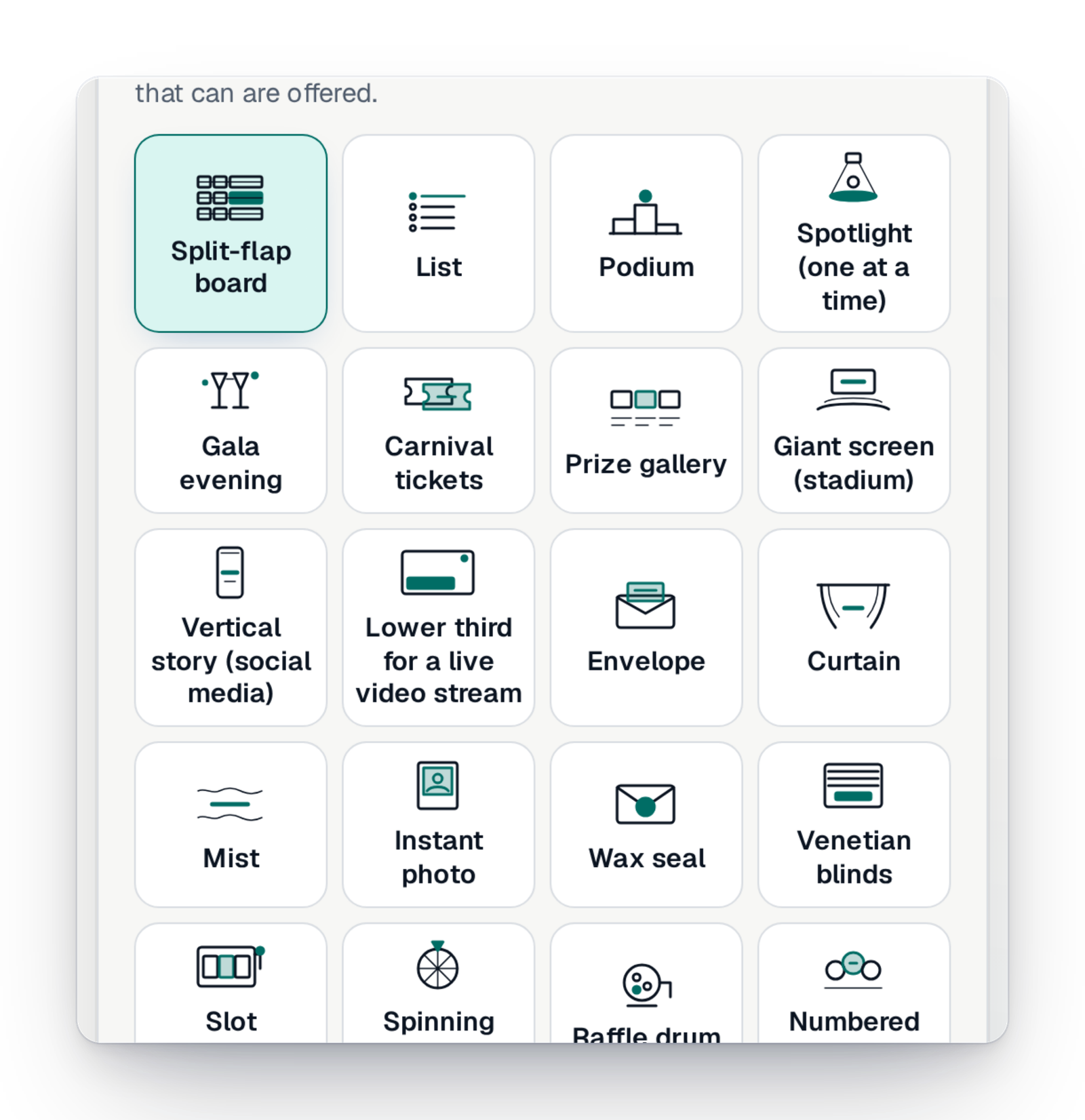
List, podium, gala evening, fair tickets, giant screen… Choose the view from a gallery. Winners reach every screen at the same moment, with sound for those who turned it on, and stay available with a search by ticket number.
What is guaranteed in the room
The room is built so that the draw stays fair and discreet, even in front of a large audience.
- No winner reaches a phone before being revealed.
- Names are masked, unless you choose otherwise and confirm it.
- Two people pressing "Next" at the same time only move on by one screen.
- The number of viewers shown is exact.
Good to know
- Available in every country, whatever your offer.
- The room shows in your campaign's language or in the viewer's, light or dark.
- Before the draw, the room can show your live counters, with a button to buy more tickets.
- Your viewers see how many people are there and can applaud in one tap.
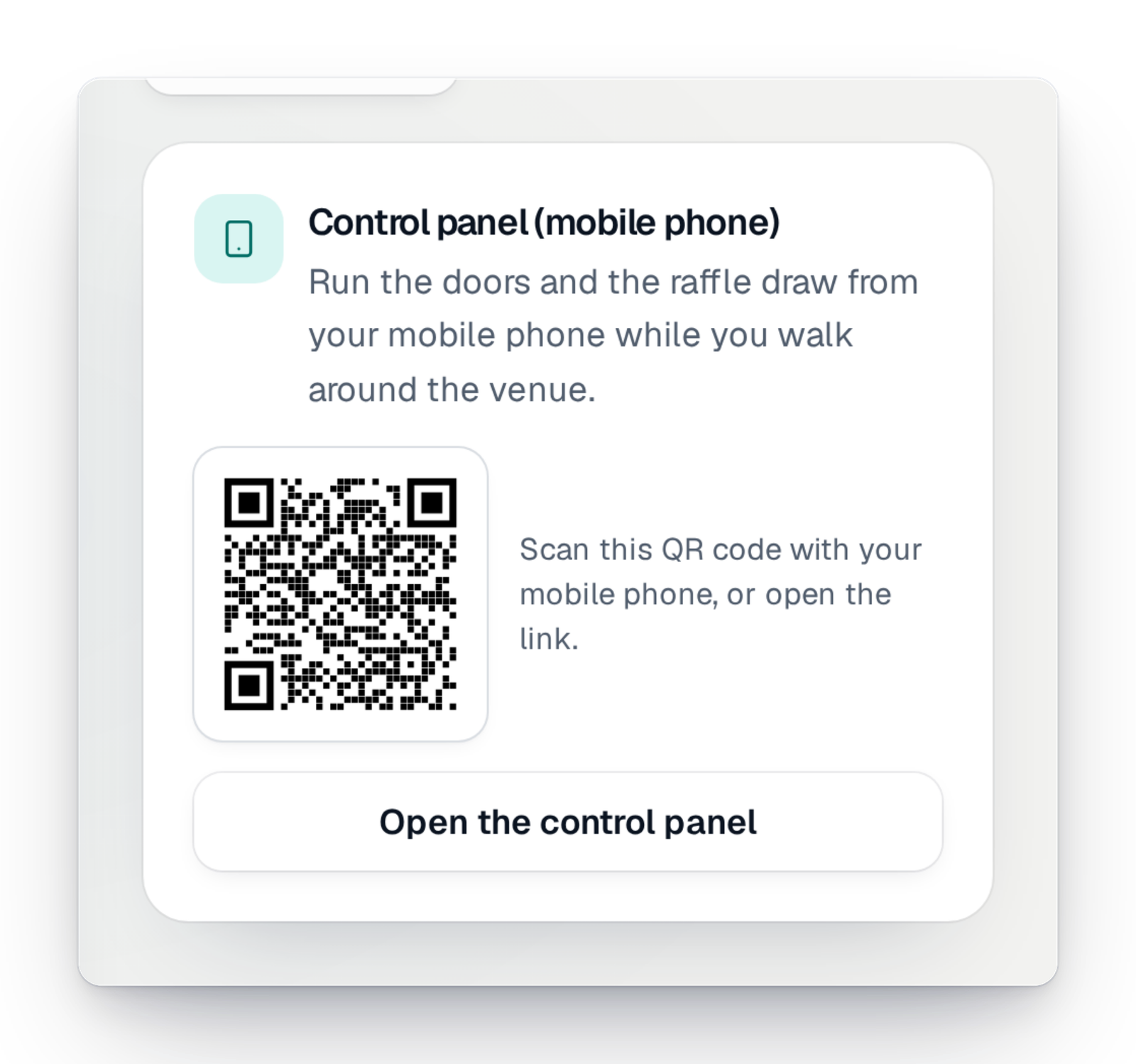
- You run the room from your computer or from your phone, with the control room.
Your questions
No. The link or QR code opens in the phone's browser, with no account or app.
Yes. The control room on your phone lets you open the doors, start the draw and move to the next winner, with a preview of what the audience sees.
A countdown, then, if you wish, your live counters and a button to buy more tickets.
By default, winners show with a first name and an initial. You can choose to show more, after confirming.
Yes. Create a rehearsal room and do a full trial run with your team.
The draw, lived together
Create your campaign today; when the day comes, open your room in a few moves.